 ELXR
ELXR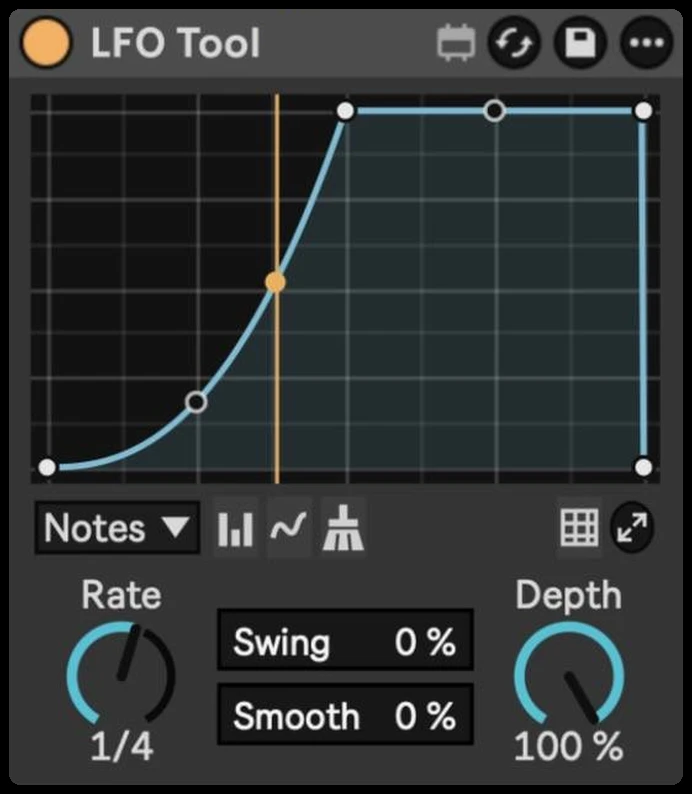
LFO Tool
Draw a volume shape, sync it to Live, and get pumping, ducking and trance gates in a small, stock-style device.
- Format
- Max for Live Audio Effect (.amxd)
- Requires
- Ableton Live 12 + Max for Live
- Made by
- ELXR
What it does
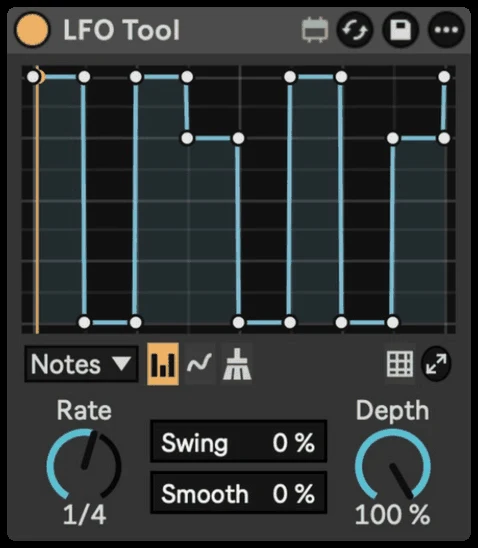
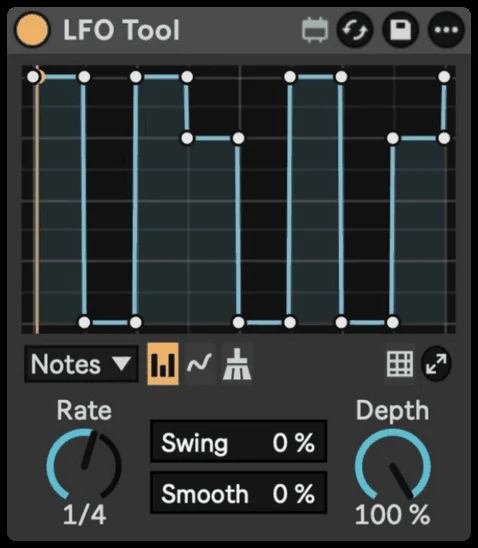
A volume LFO for sidechain-style pumping, trance gates and rhythmic movement. The whole shape is on the device, so you can see and edit it without opening a window.
Why I made it
Inspired by Xfer's LFO Tool, which I used for years. This is my own take: fewer controls, only the ones I reach for most, in a compact device that looks like it came with Live. Not affiliated with Xfer Records.
Inside LFO Tool
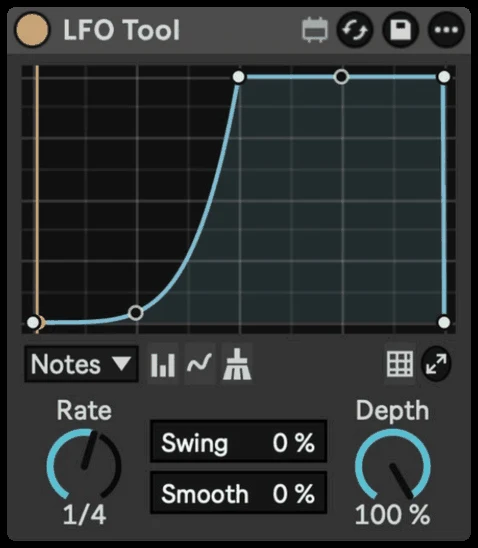
Draw your shape
Click to add points, drag to move them, and drag between two points to bend the line into a curve.
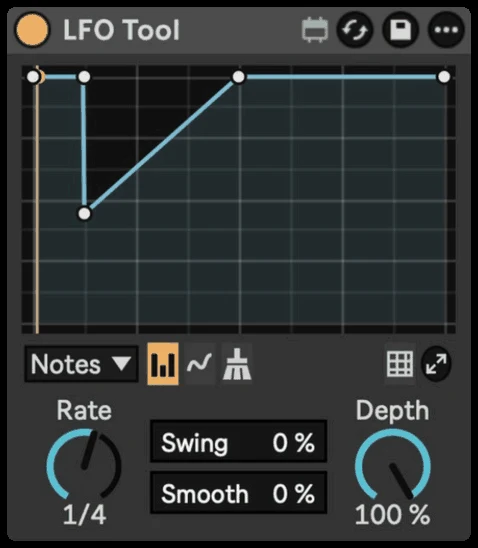
Block and Draw
Paint trance gates column by column, or draw freehand. Clean tidies extra points.
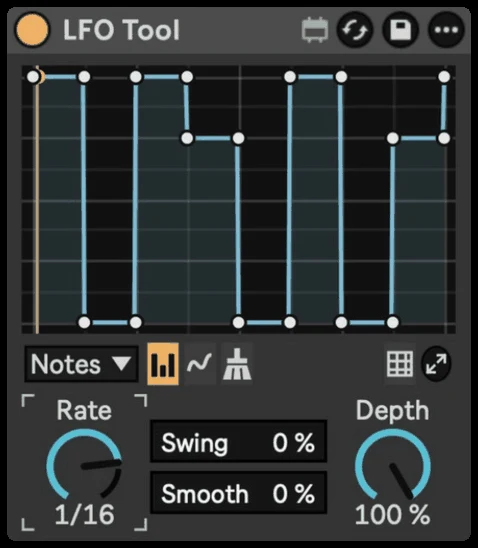
Rates
Notes, Triplet or Dotted, from 8 bars down to 1/64.
Swing and Smooth
Swing pushes every second step late. Smooth rounds off clicks and sharp edges.
Depth
Sets how strong the effect is. The shape on screen follows it.
Grid and Expand
Set the grid from 1 to 16 steps with snap on or off, or open a bigger editor window.
Requirements & install
- Ableton Live 12 with Max for Live.
- Syncs to Live's tempo and transport.
- Download LFO Tool.amxd and drag it into your User Library, or straight onto a track.