 ELXR
ELXRHow to make laser zap sounds in Ableton
The laser zap sound comes from dispersion: delaying each frequency by a different amount, so the highs and lows of a hit arrive at different times and the hit smears into a falling or rising pew. Put a disperser on a snare, kick or pluck and set how strong and how high the zap is.
How the zap works
A drum hit contains every frequency at once. A disperser delays each frequency by a slightly different amount, so instead of one click you hear the frequencies arrive one after another, as a fast sweep: pew. Low settings give a subtle snap; strong settings give springy lasers. It's a staple of dubstep, bass music and sci-fi sound design.
How to get it in Ableton Live
1. Build the zap with a synth
Without a disperser, the usual trick is to make a new zap: a synth like Operator with a fast pitch envelope sweeping down. It sounds good, but it's a separate sound you have to program and layer, not your own snare turning into a laser.
2. A disperser device
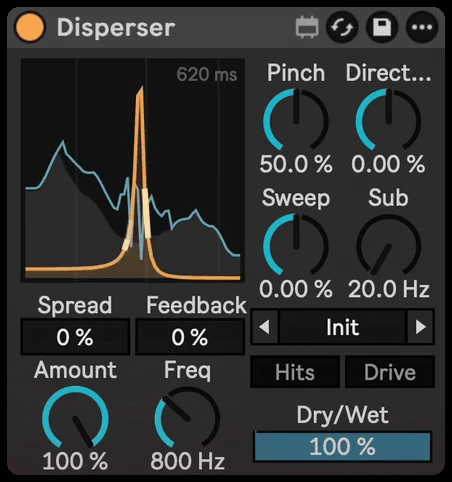
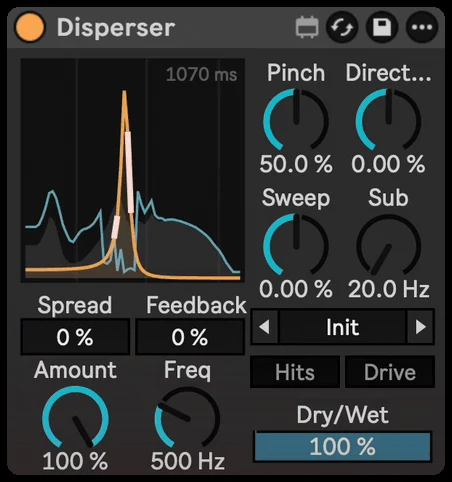
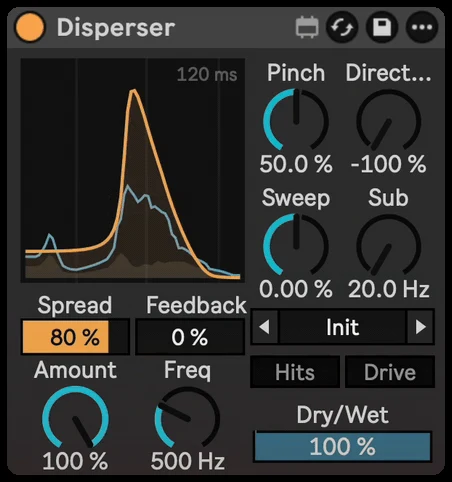
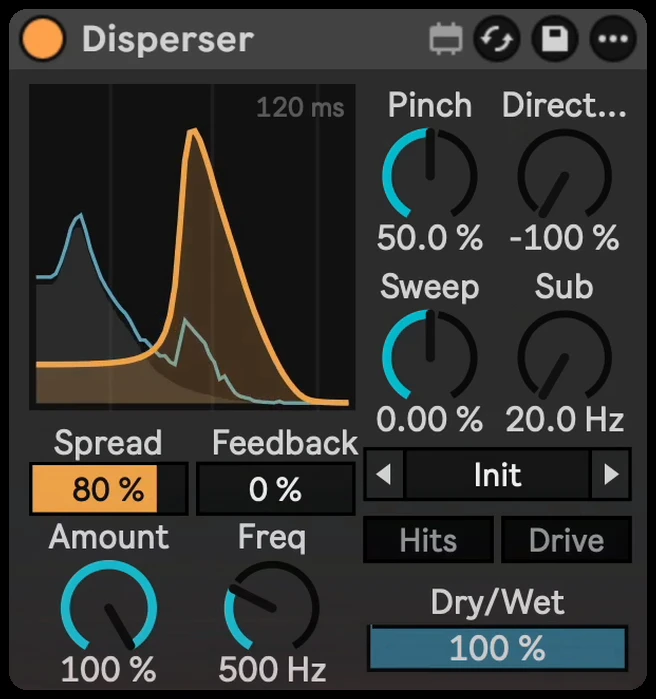
Live has no stock disperser. Disperser adds one: drop it on any hit and turn it into a zap, with 20 presets like Snare Laser, Kick Thwip and Pew Pluck.
Step by step with Disperser
- Drop Disperser on a snare, kick, clap or pluck.
- Turn up Amount for a stronger zap, and set Freq for its pitch.
- Use Pinch: low for a wide falling pew, high for a ringing, note-like zap.
- Flip Direction to make it rise instead of fall, or add Sweep for a laser drop on every hit.
- Or start from a preset, like Snare Laser or Kick Thwip, and tweak from there.
Getting it to sound right
- Keep the low end clean. Use Sub so the kick's lows skip the zap and stay punchy.
- Zap only the hits. Hits zaps the attacks only, so tails and held notes stay clean.
- Add Feedback for spring echoes. Each repeat gets darker, like a spring reverb.
- Automate Amount. Bring the zap in for a fill or a drop, not on every bar.