 ELXR
ELXRHow to make drums punchier in Ableton Live
Punch lives in the first few milliseconds of a hit. Turn up the attack and pull back the sustain with a transient shaper, and the drum hits harder without getting louder overall. Compression with a slow attack does something similar, with more setup.
Where punch comes from
Every drum hit has two parts: the attack, the short snap at the start, and the sustain, the body and tail that follow. Punch is the contrast between them. A louder attack and a shorter tail make a drum hit harder; a softer attack and a longer tail make it roomier and softer.
Three ways to do it in Ableton Live
1. Compressor with a slow attack
Compressor or Glue Compressor with a slower attack lets the first part of the hit through before turning the rest down, which brings out the attack. It works, but it depends on the threshold and level, and dialling it in takes practice.
2. Drum Buss
Drum Buss has a Transients control along with drive and low-end boom. Quick and colourful, but it also changes the tone.
3. A transient shaper
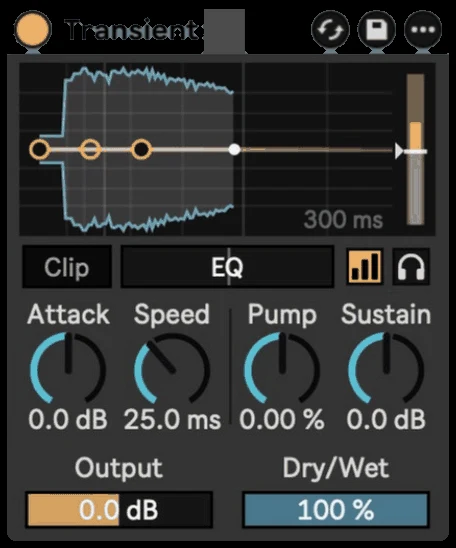
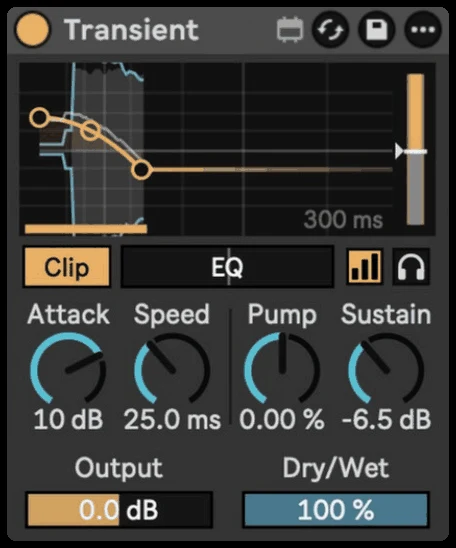
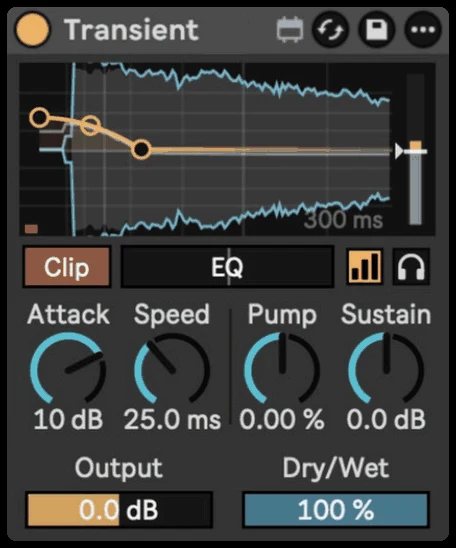
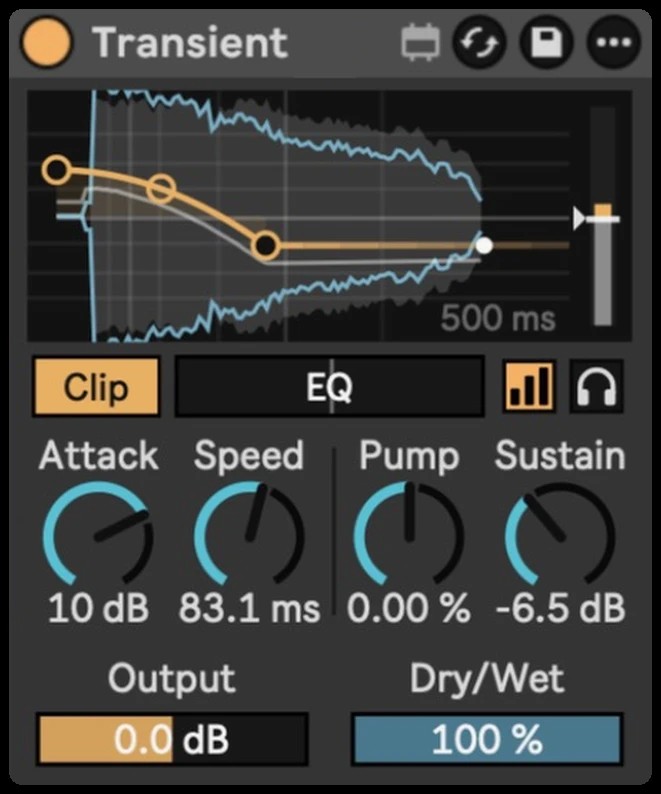
A transient shaper turns the attack and sustain up or down directly, whatever the level. Transient shows every hit and how it's being shaped, with an envelope you can drag.
Step by step with Transient
- Drop Transient on a drum track, a drum group or a single kick or snare.
- Turn up Attack for harder hits.
- Turn down Sustain to tighten the tails, or up to bring out the room.
- Set Speed: short for a clicky snap, long for a fat punch.
- Keep Auto Gain on so you judge the shape, not just the volume.
Getting it to sound right
- Shape before you compress. Get the punch with the transient shaper first, then glue with compression.
- Watch for clipping. Big attack boosts make sharp peaks. Transient's Clip soft-clips them.
- Pick which hits trigger it. Use the EQ and Sensitivity to shape only the kick, or only the snare, in a full loop.
- Tighten loops with sustain. A sample loop with too much room gets tight and modern with a little less sustain.