 ELXR
ELXRHow to make dull synths brighter in Ableton
EQ can only boost what's already in a sound. If a synth is dull, there's little up top to boost, so EQ just adds hiss and harshness. Instead, add new harmonics with an exciter, aimed at the range you want brighter, and smooth them so they don't bite.
Why EQ doesn't fix a dull sound
EQ turns frequencies up or down, but it can't create frequencies that aren't there. A soft, dark synth has very little high end, so a big high-shelf boost brings up noise and harshness instead of shine.
An exciter works differently: it generates new harmonics from the sound itself, so the brightness follows every note and sounds like part of the instrument.
How to do it in Ableton Live
1. EQ
EQ Eight with a gentle high shelf works when the sound already has some top end. On a truly dull sound it mostly adds hiss.
2. Saturation
Saturator or Roar adds harmonics across the whole sound. It brightens, but it also thickens the lows and mids and can get muddy or distorted.
3. An exciter
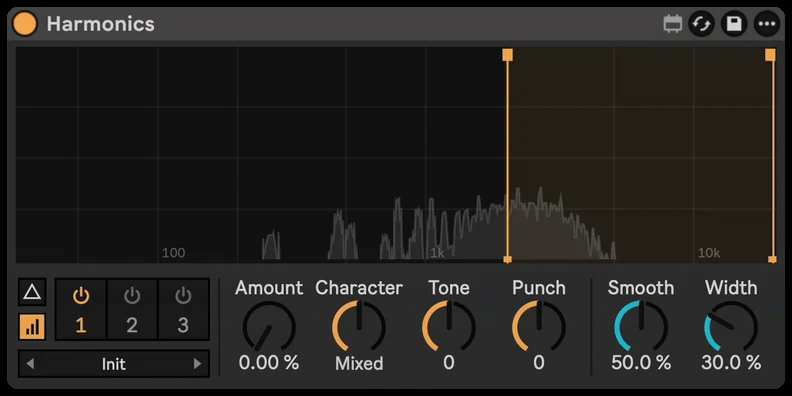
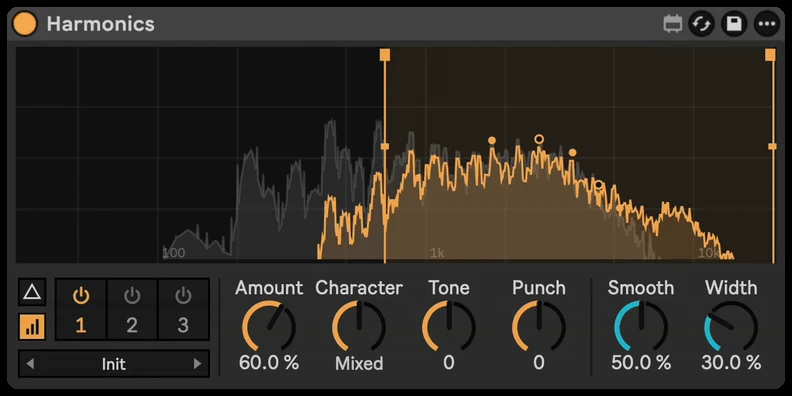
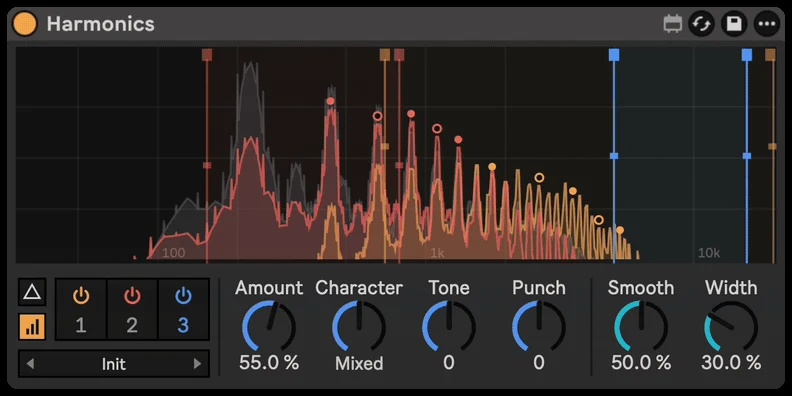
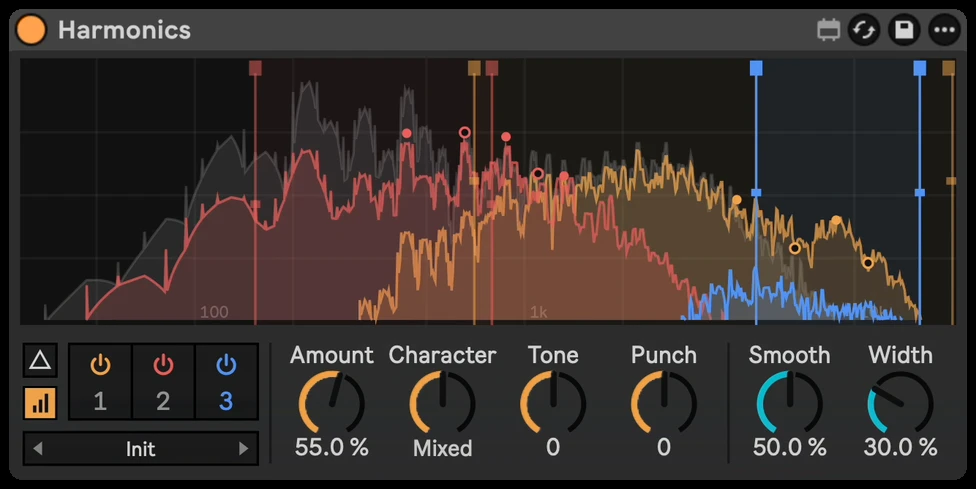
Harmonics adds harmonics only to the part of the sound you choose, from smooth, even warmth to buzzy, odd bite, and shows what it adds on the display.
Step by step with Harmonics
- Drop Harmonics on the dull synth, pad, lead or vocal.
- Turn up Amount until it comes to life.
- Drag the two lines on the display to pick which frequencies get excited: higher for air, lower for presence.
- Choose a Character: even for smooth warmth, odd for buzz and bite. Tone makes it darker or brighter.
- Use Smooth if it gets harsh, and Delta to hear only what's added.
Getting it to sound right
- A little goes a long way. Turn it up until it shines, then back off a bit.
- Use simple sounds. Exciters sound cleanest on single notes and simple parts; on big chords, keep the amount lower.
- Match the level. Brighter sounds louder. Compare at the same volume before deciding it's better.
- Start from a preset. There are presets for synths, leads, pads, bass, vocals and more.