 ELXR
ELXRHow to make a mono synth sound wide in Ableton
You can't widen a mono sound by turning up stereo width, because there's no stereo information to widen. You have to create differences between left and right: a short delay on one side, chorus, or slightly detuned copies spread left and right (micro-pitch doubling). Always check the result in mono.
Why Utility's Width does nothing on mono
Utility's Width (and most width knobs) turns the difference between the left and right channels up or down. A mono sound is identical on both sides, so there's no difference to turn up. Width 200 % on a mono synth sounds exactly the same. To make it wide, you first have to make the two sides different.
Three ways to do it in Ableton Live
1. A short delay on one side (Haas effect)
Delay one channel by 10–30 ms, for example with Delay set to a short time on one side only. Your ear hears the sound as wide. The catch: in mono the two sides add back together slightly out of time, which can sound hollow and phasey.
2. Chorus
Chorus-Ensemble adds moving, modulated copies. It widens nicely but also adds a wobble you can hear, which doesn't suit every sound.
3. Micro-pitch doubling
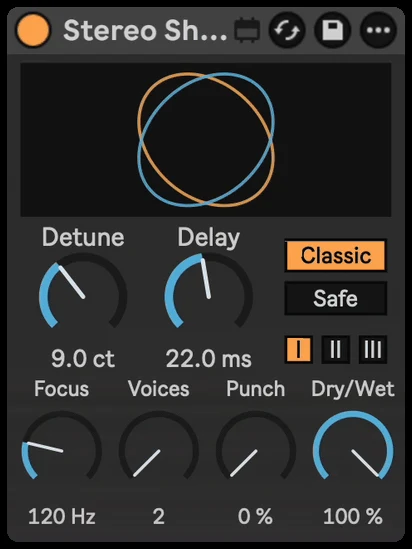
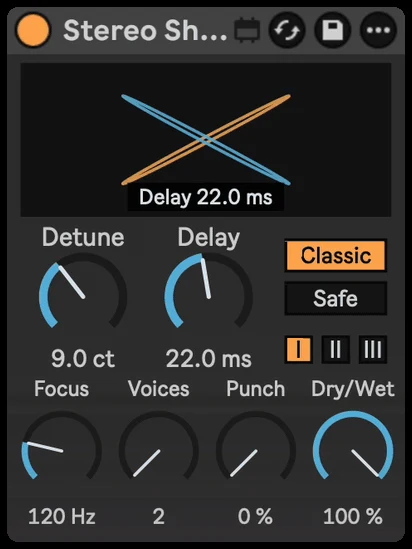
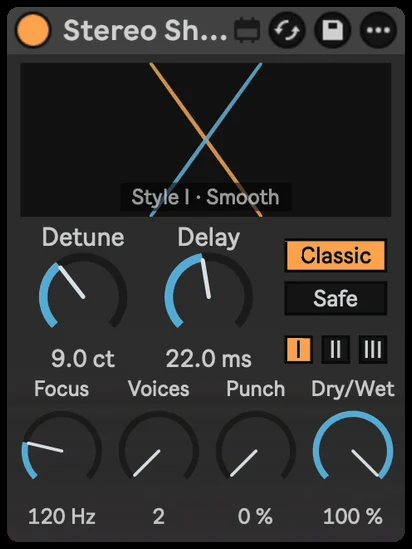
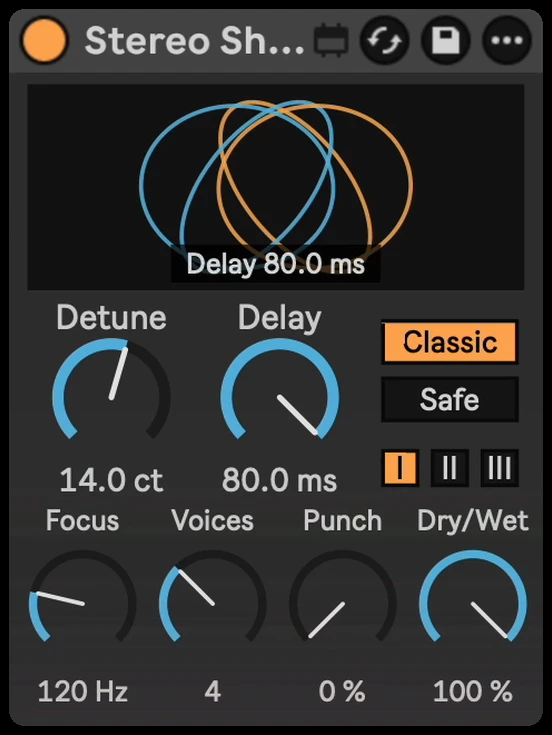
Make copies a few cents sharp and flat, delay them slightly, and spread them left and right. It's the classic studio doubling trick: thick and wide, with no obvious wobble. Stereo Shift does it in one device, with a Safe mode that sounds exactly like the original in mono.
Step by step with Stereo Shift
- Drop Stereo Shift on the synth, vocal or guitar track.
- It starts on a smooth doubler. Turn up Detune for more width and thickness.
- Set Delay: short for a tight double, longer for a looser second take.
- Add Voices for an ensemble, from 2 up to 8.
- Switch to Safe if the track must hold up in mono (clubs, phones, Bluetooth speakers).
Getting it to sound right
- Leave the bass alone. Set Focus above the bass: everything below it is not widened and keeps the stereo image it came in with, so the bass stays solid.
- Keep the attacks tight. Punch keeps the start of each note centred while the tails spread.
- Check in mono. Put a Utility on the master with Width at 0 % and listen. If the sound gets thin or hollow, use less delay or Safe mode.
- Don't widen everything. Wide pads and leads sound bigger next to a centred kick, bass and vocal.