 ELXR
ELXRHow to make polyrhythms in Ableton Live
A polyrhythm plays two or more even rhythms over the same span of time, like 3 notes against 4 in one bar. In Ableton you can program it on the grid (triplets against quarters), or let a polyrhythm device generate the parts and keep them locked to Live.
What is a polyrhythm?
A polyrhythm is two or more steady pulses that divide the same length of time differently. The classic is 3 against 4: one part plays 3 even notes per bar while another plays 4. They line up on beat one, drift apart, and meet again at the start of the next bar. That push and pull is what makes polyrhythms hypnotic, from West African drumming to Steve Reich and modern electronic music.
It's different from a polymeter, where parts have different loop lengths (a 3-step loop against a 4-step loop) and only line up every few bars. Both are worth knowing.
How to do it in Ableton Live
1. On the grid
For 3 against 4: in a one-bar MIDI clip, place 4 notes on the quarter notes. Then switch the grid to triplets (right-click > Triplet Grid) and place 3 notes on half-note triplets for the second part. Simple ratios like this are easy; 5 against 4 or 7 against 4 get fiddly fast.
2. Polymeter with clip loops
In Session view, give one clip a 3-beat loop and another a 4-beat loop. They drift and realign every 3 bars. Great for evolving patterns, but it's a polymeter, not a true polyrhythm.
3. A polyrhythm device
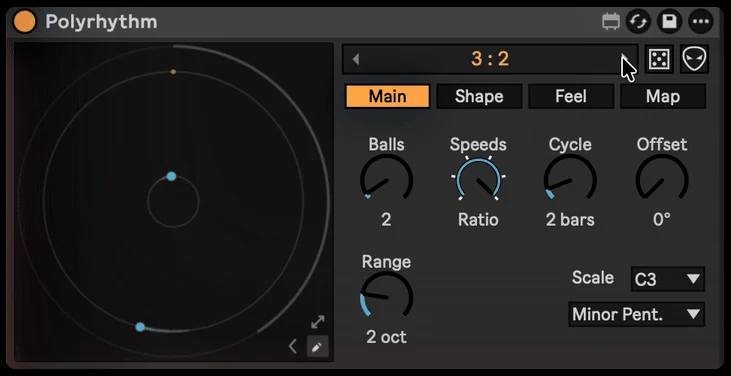
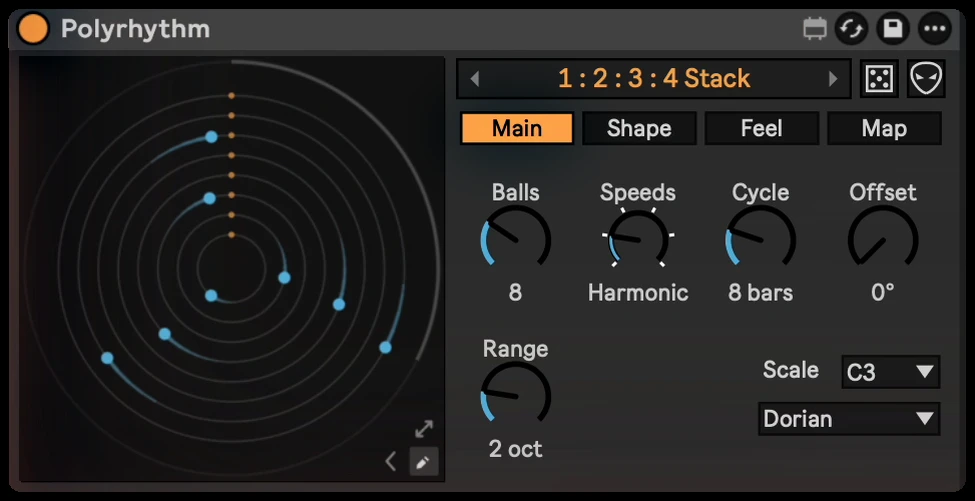
Polyrhythm generates them for you: each dot orbits at its own speed and plays a note when it hits a trigger, so 5:4:3 or a whole stack of speeds is one click, and everything stays locked to Live's transport.
Step by step with Polyrhythm
- Drop Polyrhythm on a MIDI track before an instrument (or a Drum Rack).
- Pick a type, like 3 : 2 or 5 : 4 : 3, and press play.
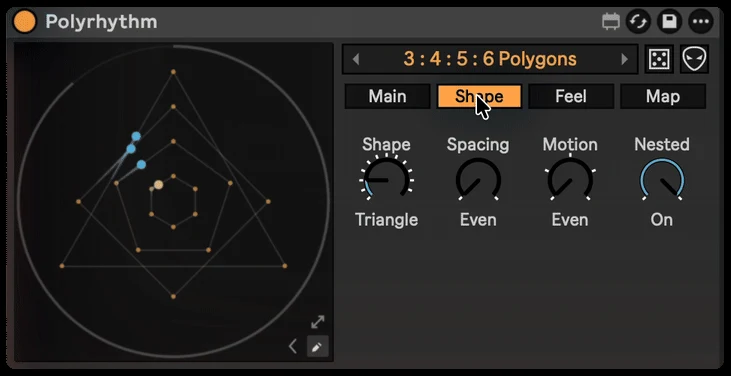
- Change the shape: a triangle plays three notes per lap, a pentagon five.
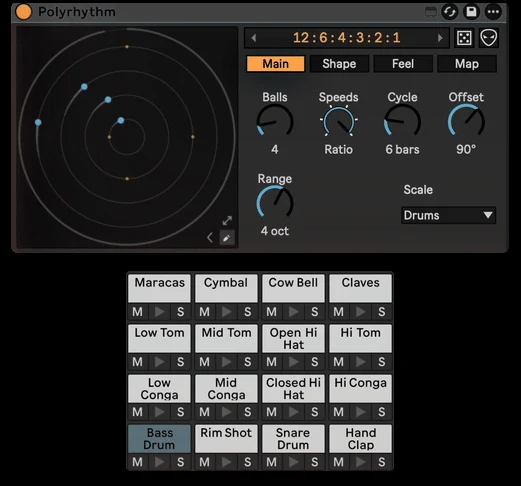
- Set a scale and root so every hit lands in key, or set the scale to Drums so each dot plays its own pad.
- Add feel with Swing, Humanize or Probability.
Getting it to sound right
- Anchor it. A steady kick or hi-hat on the beat makes the other rhythms easier to feel.
- Give each part its own sound. Different pitches or drums make each pulse easy to follow.
- Start simple. 3 against 2 or 3 against 4 already sounds great; add more layers once the groove works.