 ELXR
ELXRHow to sidechain in Ableton without a compressor
Put a volume shaper on the track you want to duck, sync it to quarter notes, and draw a dip on every beat. You get the same pumping sound as sidechain compression, with no routing and no kick needed, and it lands exactly on the grid every time.
Why skip the compressor?
Classic sidechain compression turns a track down whenever the kick hits. It works, but it reacts to the kick's level, so the pump changes when the kick changes. Mute the kick for a breakdown and the pumping stops. You also have to set up the routing and tune the threshold, attack and release until it breathes right.
Volume shaping does the same job with a drawn shape synced to Live's tempo. It's the same on every beat, you can see exactly what it does, and it works on any track whether a kick is playing or not. That's why so many house, EDM and pop producers duck their bass and pads this way.
Three ways to do it in Ableton Live
1. Volume automation
Draw a dip into the track's volume automation on every beat. It's free and precise, but slow to draw, and every change means redrawing it. Fine for a few bars, painful for a whole song.
2. Live's built-in tools
Auto Pan (called Auto Pan-Tremolo in recent versions of Live 12, which adds a Tremolo mode) can turn the volume up and down in sync with the beat, so set it to tremolo, or set its phase to 0° in older versions, and sync it to 1/4. It pumps, but you only get preset wave shapes, not the fast dip and slow recovery of a real sidechain curve. In Live Suite you can also map Max for Live's Shaper modulator to a Utility's Gain and draw a shape, but it takes a few devices and some mapping to set up.
3. A volume shaper device
A device made for this puts the shape, the rate and the depth in one place. That's what Curves does: drop it on a track and it's already pumping in time with Live.
Step by step with Curves
- Drop Curves on the track you want to duck: a bass, pad or chord track, after the instrument.
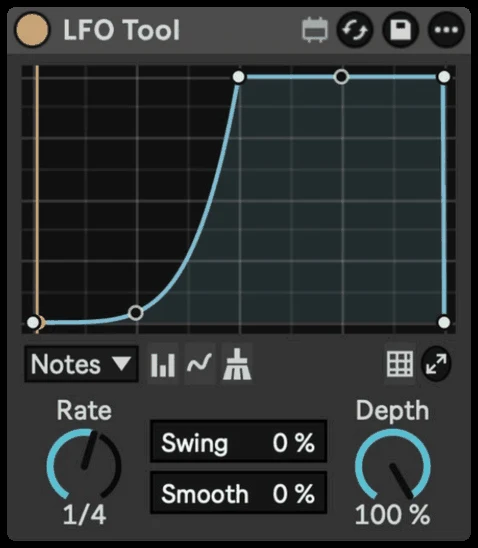
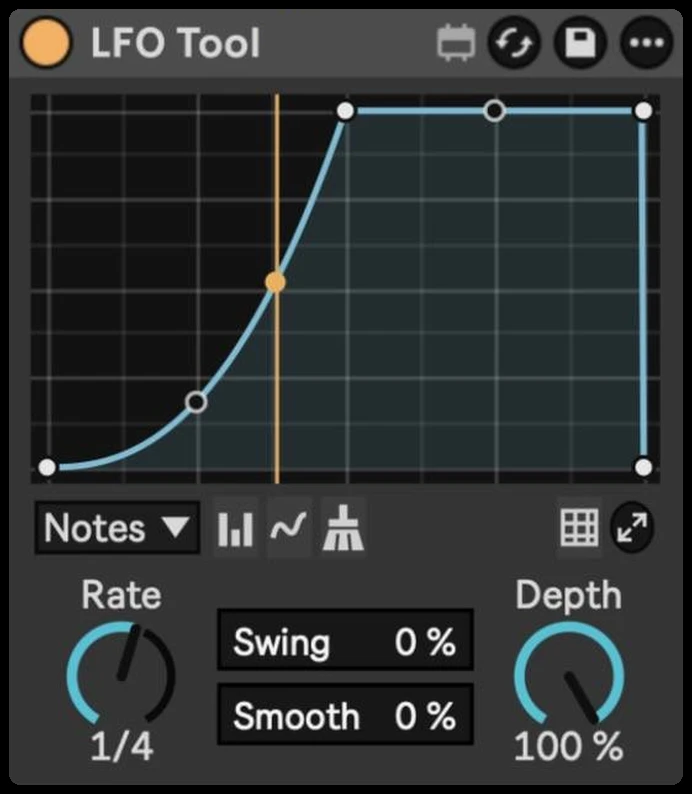
- Press play. The default shape is a classic sidechain duck at 1/4, so it pumps on every beat straight away, in sync with Live.
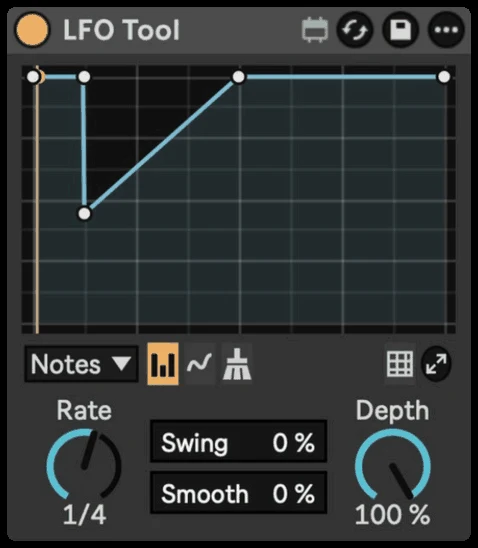
- Shape the curve. Drag the points to change how deep the dip goes and how fast the sound comes back. Drag between two points to bend the line into a curve.
- Set the Depth. 100 % is the full, obvious pump. 50–80 % glues the track to the kick without sounding like an effect.
- Turn up Smooth if you hear clicks on very sharp shapes.
Getting it to sound right
- Duck the bass the most. The kick and bass fight over the low end, so a deep duck on the bass gives the kick room. Pads and chords usually need less.
- Match the rate to the groove. 1/4 pumps on every kick in four-on-the-floor. Try 1/8 for a faster, bouncier pump, or 1/2 for slow, wide breathing.
- Place it before or after reverb. Before the reverb, the tail stays smooth. After the reverb, the tail pumps too, for a bigger, more obvious effect.
- Keep it in the breakdowns. Because it doesn't need the kick, the pump carries on when the kick drops out, so the groove keeps moving.
Bonus: trance gates
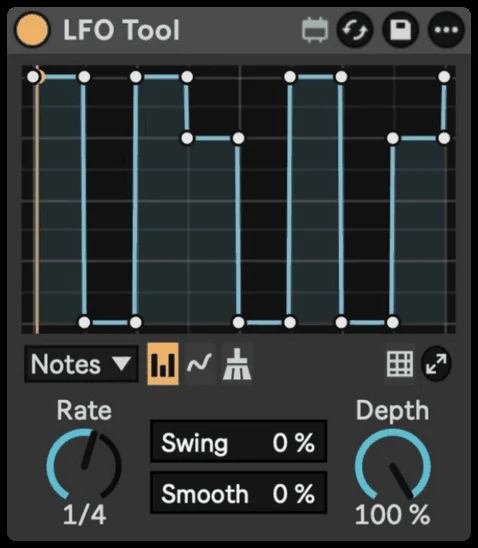
The same idea makes trance gates: instead of a smooth dip, chop the sound into on and off steps. In Curves, switch to Block and paint the gate column by column. If you want ready-made gate patterns and random gates, Rhythmic Gate is built for exactly that.