 ELXR
ELXRHow to make smooth pitch risers and dives in Ableton
For a smooth riser or dive, the pitch has to move continuously, not in semitone steps. Automate a pitch shifter that sweeps smoothly across a wide range, and draw a curve from the start of the build to the drop.
Why risers sound steppy
A riser or a dive should glide. But many pitch controls move in whole semitones, so a two-octave sweep becomes 24 little jumps you can hear. Fine-tune knobs are smooth, but usually only cover a fraction of a semitone.
How to do it in Ableton Live
1. Shifter
Live's Shifter can pitch any audio, but its Coarse control steps by semitone and Fine only covers a small range, so big smooth moves are hard.
2. Resample and re-pitch
Bounce the sound to audio, set the clip's warp mode to Re-Pitch and warp it faster or slower, like tape. It glides smoothly, but the timing changes with the pitch, and you have to bounce again every time you change the sound.
3. A smooth pitch shifter
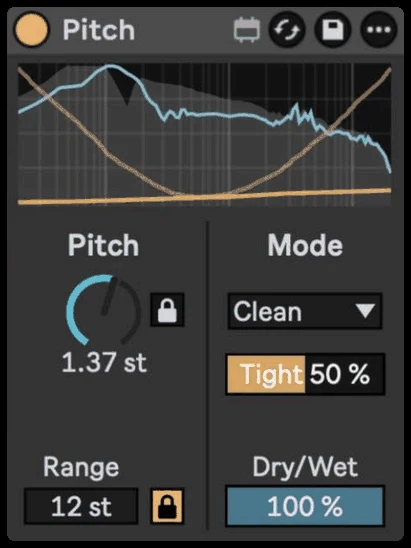
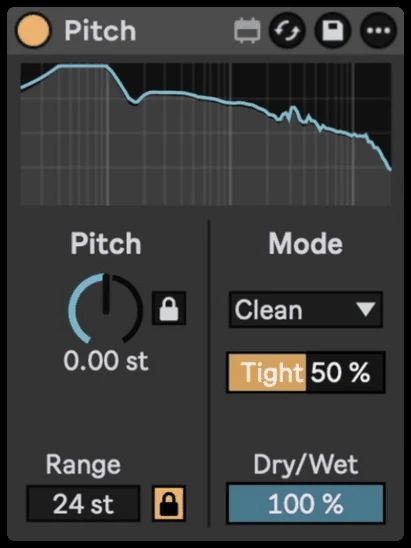
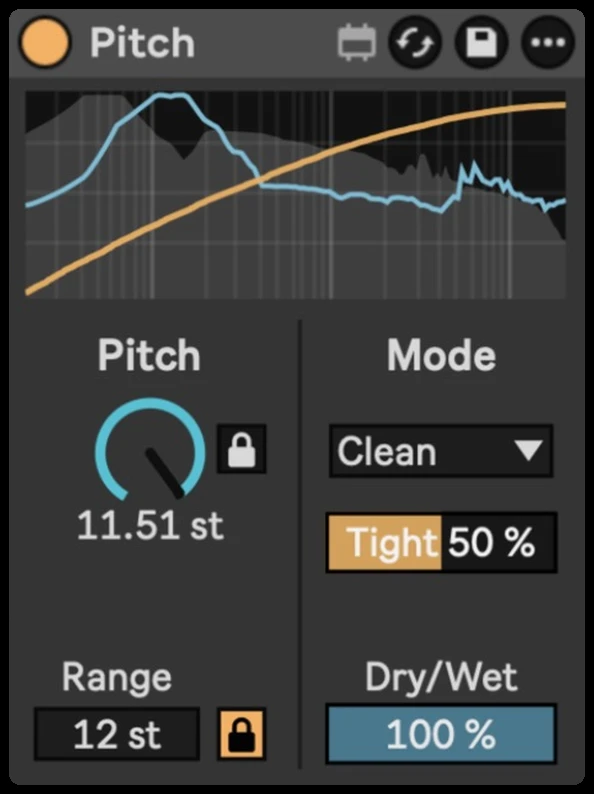
Pitch is made for this: one knob that moves smoothly across up to 96 semitones, with no steps, in a Utility-sized device you can automate like any other knob.
Step by step with Pitch
- Drop Pitch on the sound you want to rise or dive (a synth, a vocal, a whole group).
- Set Range to how far it should go, for example 24 semitones for two octaves.
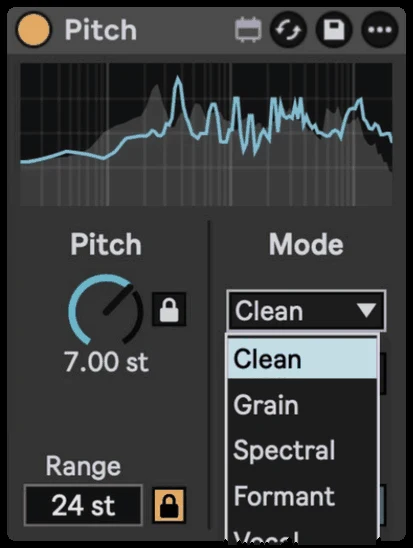
- Pick a mode: Clean for punchy sounds, Spectral for pads, Vocal or Formant for voices.
- Draw automation for the Pitch knob: up over the build for a riser, down at the end for a dive.
- Turn on Semitone Lock when you want musical steps instead of a glide.
Getting it to sound right
- Curve the automation. A riser that speeds up near the end feels more exciting than a straight line.
- Dive into the drop. A quick dive on the last beat before the drop makes the drop hit harder.
- Use Dry/Wet for layers. Blend a shifted copy under the original for octave layers.