 ELXR
ELXRHow to make a trance gate in Ableton Live
A trance gate turns a sustained sound on and off in a rhythm synced to the tempo. In Ableton you can draw it as volume automation, use a sidechained Gate, or put a gate device on the track and pick a pattern. Then add a little smoothing so the steps don't click.
What is a trance gate?
A trance gate takes a long, held sound, like a pad, a chord stab or a supersaw, and chops it into a rhythmic pattern of on and off steps, usually 16 steps per bar. It turns a static chord into a moving part of the groove. It's all over trance, but you'll hear it in house, EDM and pop too.
Three ways to do it in Ableton Live
1. Volume automation
Draw the pattern as square steps in the track's volume or a Utility's Gain automation. Precise, but slow, and changing the pattern means redrawing it.
2. Gate with a sidechain
Put Live's Gate on the pad and feed its sidechain from a MIDI or drum track playing the rhythm you want (a ghost hi-hat pattern, for example). The pad only opens when the trigger plays. It works well, but you're managing two tracks and tuning the threshold.
3. A gate device
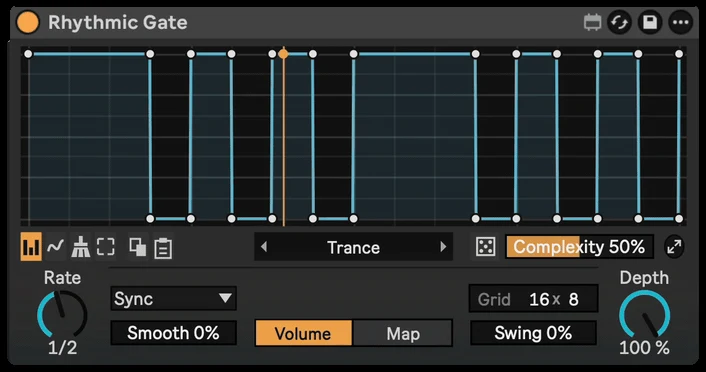
A gate device puts the pattern right on the track, synced to Live. Rhythmic Gate starts on a classic trance gate, has 90+ patterns to pick from, and can roll random ones.
Step by step with Rhythmic Gate
- Drop Rhythmic Gate on a pad, chord or synth track, after the instrument.
- Press play. It starts on a classic trance gate, in time with Live.
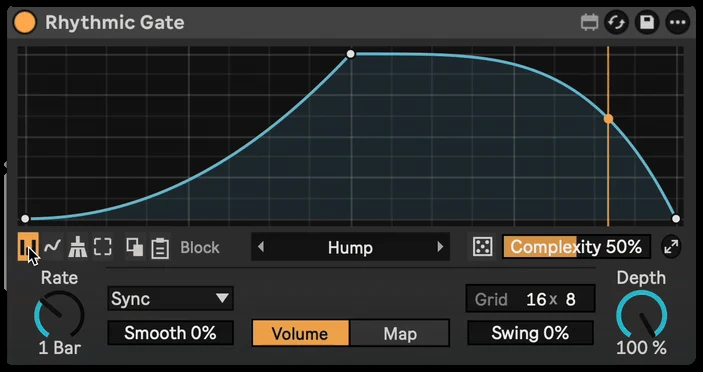
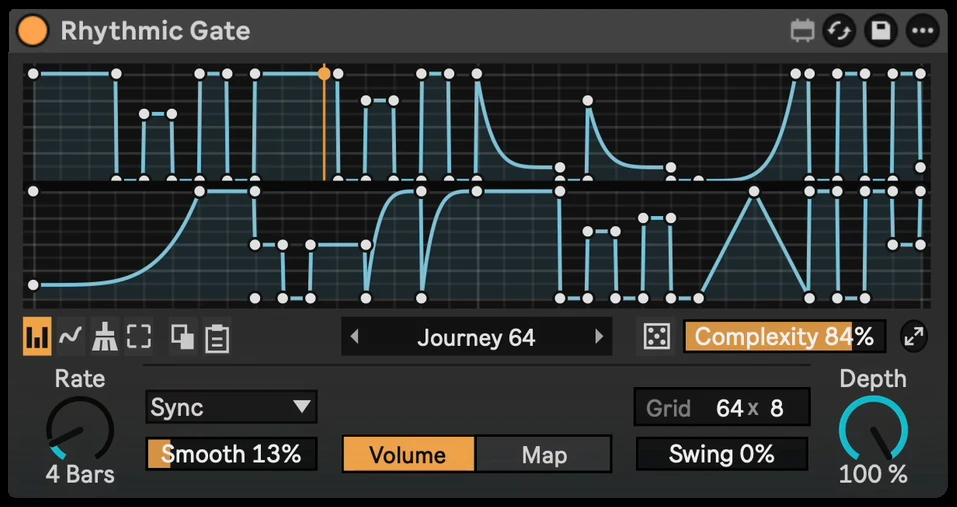
- Try other patterns from the presets, or roll the dice for a random gate. Complexity sets how busy it gets.
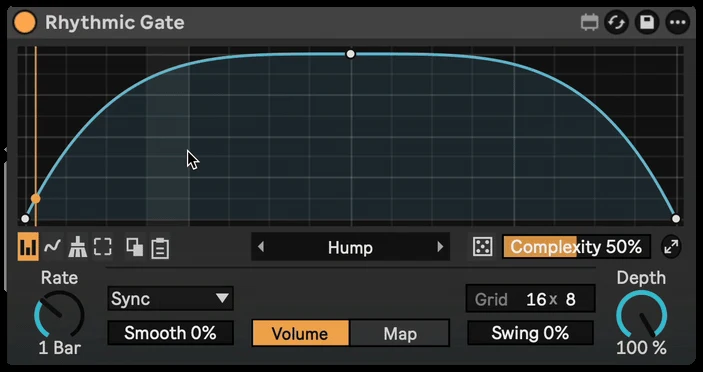
- Paint your own steps with Block, or draw freehand.
- Turn up Smooth to soften the edges, and Swing to make it groove.
Getting it to sound right
- Use a sound with sustain. Gates need something to chop: long pads, held chords and supersaws work best. Short plucks barely change.
- Smooth the steps. Hard on/off steps can click. A little smoothing keeps it clean but still tight.
- Gate before the reverb or delay. The effects fill the gaps for a lush, rhythmic wash. Gate after them for a harder, choppier sound.
- Don't fight the drums. Leave space in the gate where the snare or clap hits, or use Depth below 100 % so the gaps don't go fully silent.