 ELXR
ELXR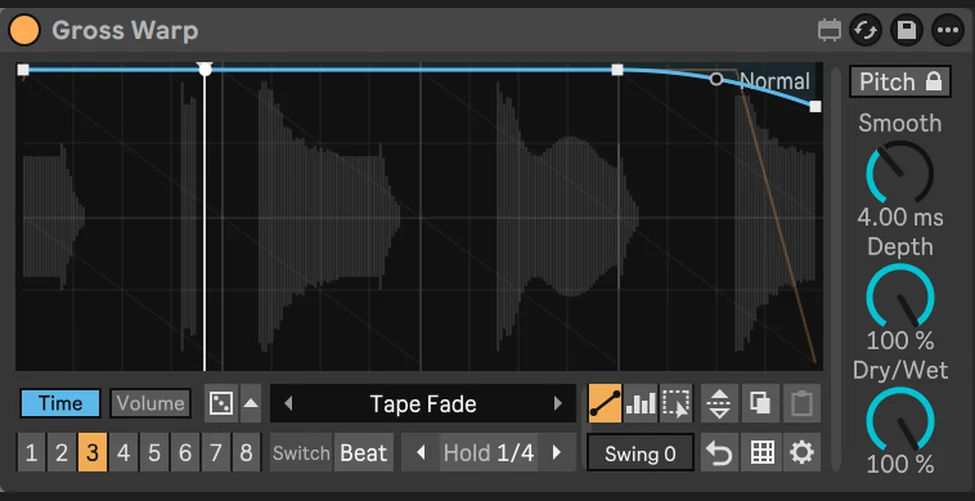
Gross Warp
The Gross Beat-style effect for Ableton Live: half time, tape stops, stutters, scratches, reverses and gates, drawn as two envelopes and locked to your song.
Hear the difference
A synthwave arp loop, then the same loop recorded through Gross Warp in Ableton Live. Buttons 1, 2 and 3 are three Gross Warp presets: Beat Shuffle, Half Trance and Backspin. All are matched in loudness, so you hear the change, not just a volume jump. Switch while it plays.
What it does
Gross Warp replays the last moments of your audio through two envelopes you draw: Time (where the sound plays from) and Volume (how loud it is). A gentle slope gives half time, a steep one a tape stop, a vertical step a stutter, a slope the other way a reverse. Everything follows Live's tempo and transport, adds no latency, and sounds the same when you export or freeze.
Eight patterns per device, 231 factory presets, Hold to loop what just played, and a Dice that writes new musical patterns for you. It looks and behaves like a device that came with Live.
Why I made it
Gross Beat is the effect people miss most when they move from FL Studio to Live, and nothing in Live does the same job. I wanted the whole idea in a device that feels native: draw it, switch it on the beat, automate it, done. Inspired by Image-Line's Gross Beat; not affiliated with Image-Line.
Inside Gross Warp
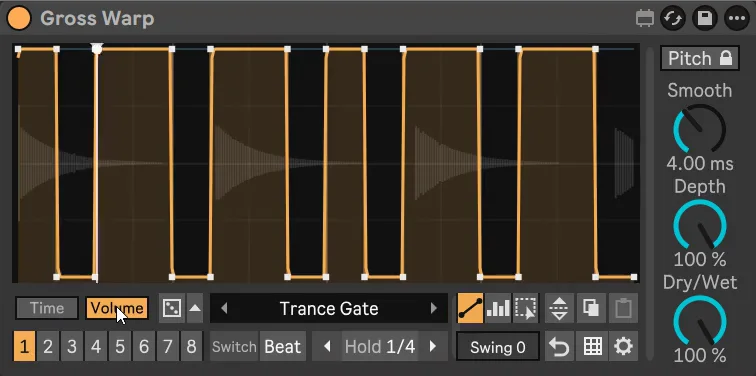
Two envelopes
Time for half time, slow-downs, tape stops, scratches, reverses and stutters; Volume for gates, pumps and trance gates. Time and Volume presets load separately, so any time effect works with any volume shape.
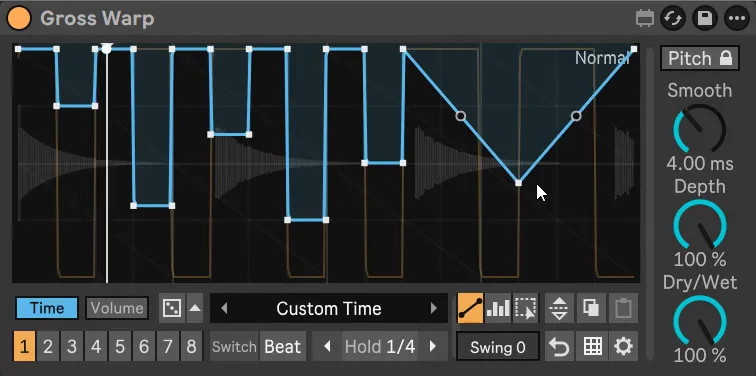
Draw it your way
Line (points and curves), Block (paint steps on the grid) and Select (move, copy, paste and flip just a part). Snap from 1/4 to 1/32 with triplets, pattern length 1/4 bar to 4 bars, and Swing.
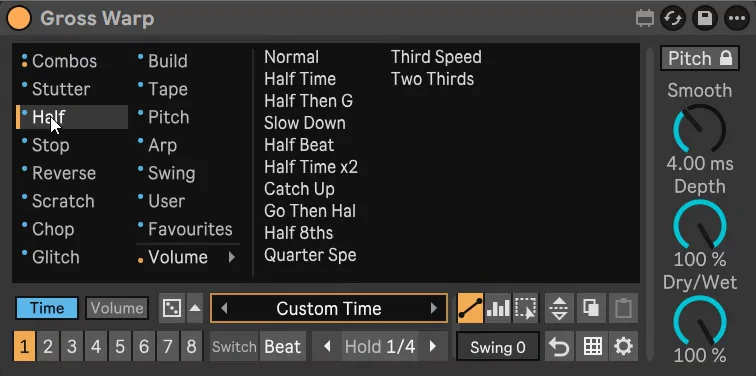
231 presets
24 combos, plus Time and Volume folders: Stutter, Half, Stop, Reverse, Scratch, Chop, Glitch, Build, Tape, Pitch, Arp, Swing, Gate, Pump, Trans and more. Save and name your own, and star favourites.
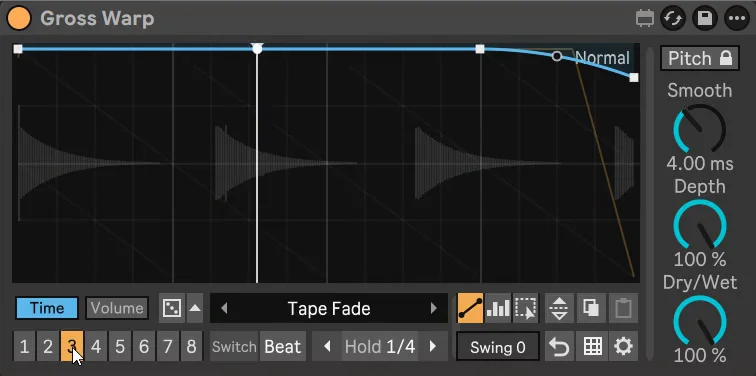
8 patterns
Switch now, on the next beat or on the next bar. Automate Pattern to play them in your arrangement. Alt / Option-click a pad to copy a pattern.
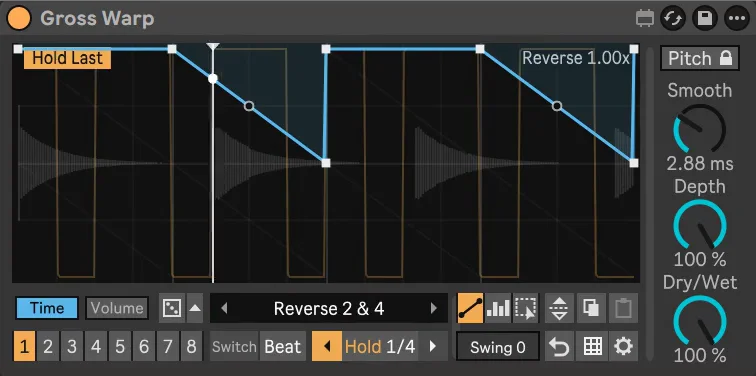
Hold
Loop what just played (Hold Last) or record what comes next and loop it (Hold Next), from a 1/16 note to a bar.
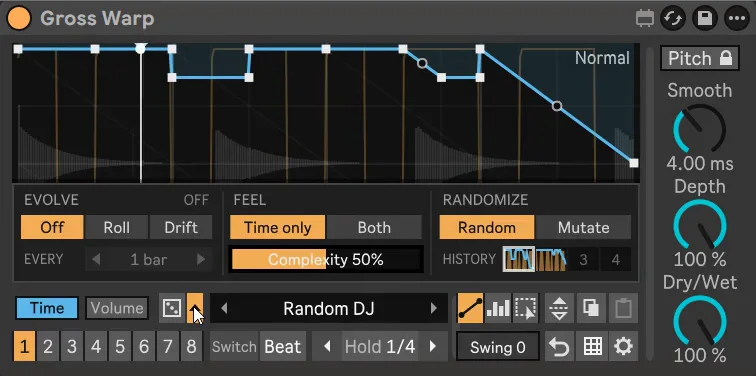
Dice and Evolve
Roll a new musical pattern, mutate the one playing, or let Evolve change it every beat to every 4 bars. History brings back the last rolls.
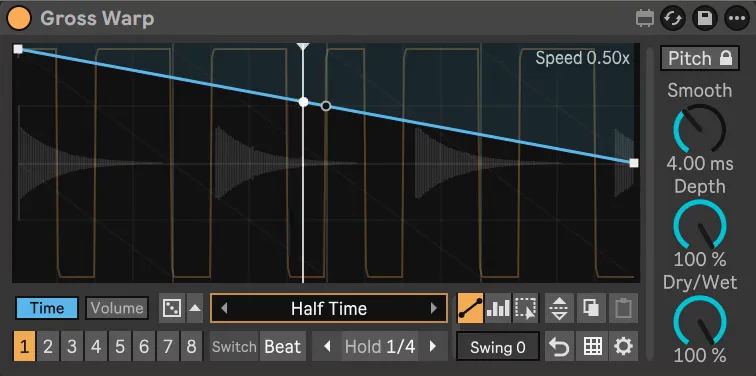
Keep Pitch
Slow-downs and half time keep the original pitch and drums stay sharp (granular: long held notes can sound slightly grainy). Switch it off for the classic tape pitch drop.
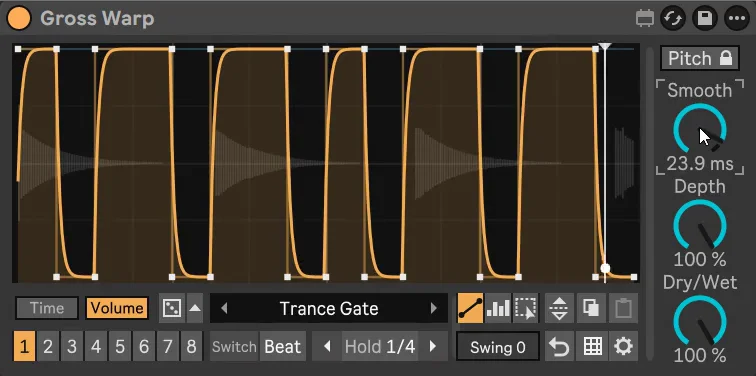
Smooth, Depth, Dry/Wet
Click-free jumps and soft gates, how much of the Volume envelope you hear, and the mix.
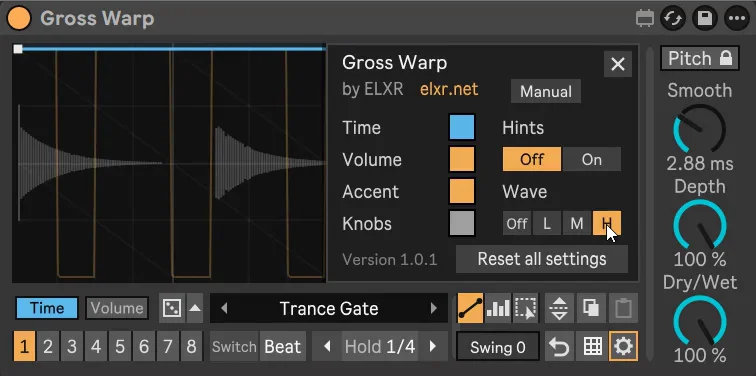
Native look
Live's colours and fonts, the waveform behind the envelope, a playhead, tips on every button, and colour options in Settings.
See Gross Warp in action
// Technical specsLatency, channels, sample rate
- Latency
- None (0 samples). Nothing to compensate
- Channels
- Stereo in / stereo out
- Sample rate
- Any rate Live runs at
Questions
What do I need to run it?
Ableton Live with Max for Live, which comes with Live Suite. It works on Mac and Windows.
Is it a one-time purchase?
Yes. You pay once and download the .amxd file. No subscription.
Requirements & install
- Ableton Live with Max for Live (Suite, or Standard with the Max for Live add-on). Mac and Windows.
- No added latency. Everything (all 8 patterns and settings) is saved with your Live Set.
- Download Gross Warp.amxd and drag it into your User Library, or straight onto an audio track. The manual is online; the Manual button in Settings opens it.