 ELXR
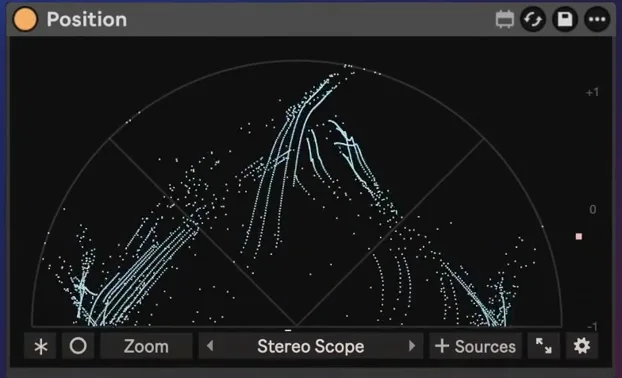
Position
See where every sound sits: left or right, wide or narrow, in phase or fighting itself, and at which frequencies.
What it does
Position is a stereo and spectrum analyzer for Ableton Live with 23 presets. Every sample becomes a dot on the Stereo Scope, so mono goes straight up, wide sounds fan out and out-of-phase parts are easy to spot. Switch to Spectrum, Spectrogram, Oscilloscope or one of the sound design views with one click.
Add up to 10 other tracks as Sources and see them in their own colours on top of yours, so you can spot where your kick and bass clash. Click any band to hear it on its own. Audio passes through unchanged, with zero added latency.
Inside Position
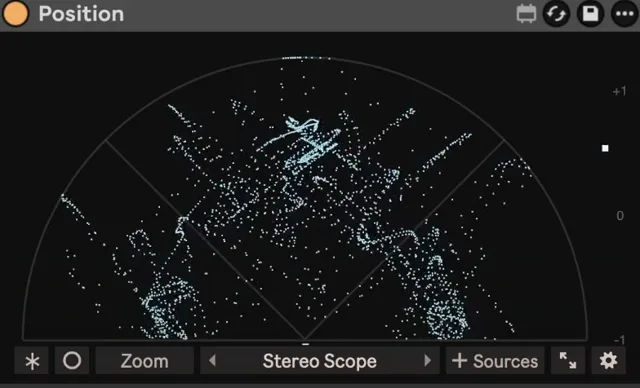
Stereo Scope
Every sample as a dot: mono goes straight up, wide fans out, out of phase is easy to spot.
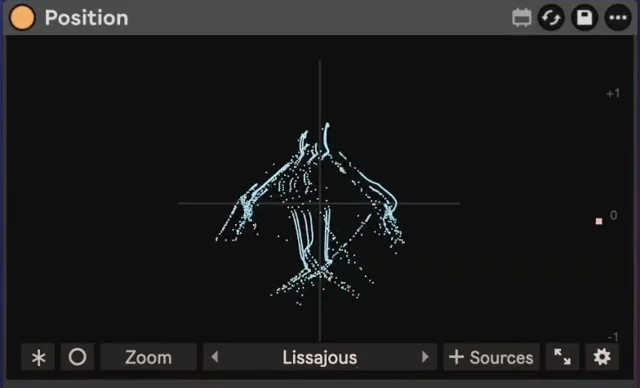
Lissajous and Beam
The classic X/Y view, or your signal as one glowing line, like an analogue oscilloscope.
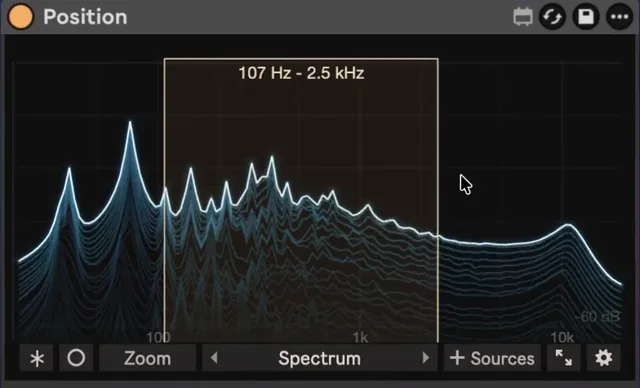
Spectrum and Spectrogram
A live glowing spectrum, and frequency over time. Click any band to hear it on its own; click again for the full mix.
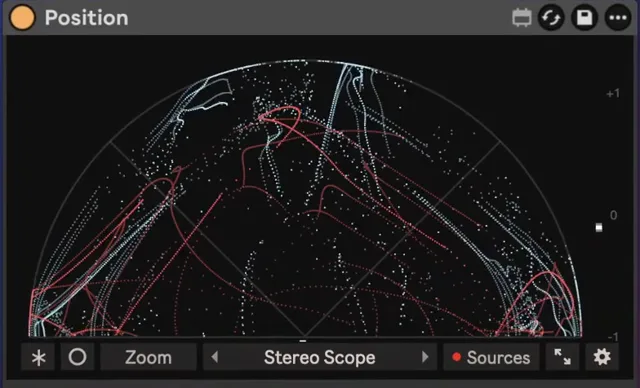
Up to 10 Sources
Show other tracks in their own colours on top of yours, without mixing them into your output.
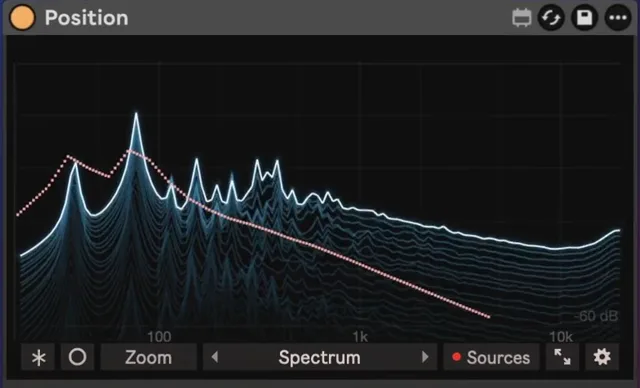
Spot clashes
On the Spectrum and Oscilloscope, see exactly where your kick and bass fight. The Oscilloscope locks to your song, 1/16 to 4 bars.
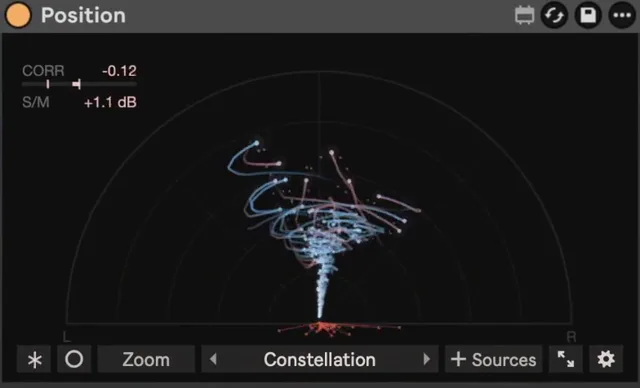
Mix checks and sound design views
Width Line, Mid / Side, Pan Map, Phase History, Notes and Loudness; Phase Portrait, Constellation and Helix to watch detune, unison and the shape of your sound.
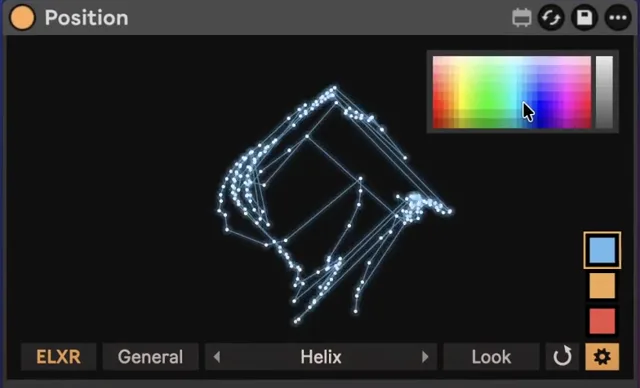
Your colours
20+ looks. Pick the colour, the accent and the warning colour; add Glow, Trails and Hue Cycle. Freeze holds the picture and Expand opens it in a large window.
// Technical specsLatency, channels, sample rate
- Latency
- None (0 samples). Nothing to compensate
- Channels
- Stereo in / stereo out
- Sample rate
- Any rate Live runs at
Questions
What do I need to run it?
Ableton Live with Max for Live, which comes with Live Suite. It works on Mac and Windows.
Is it a one-time purchase?
Yes. You pay once and download the .amxd file. No subscription.
Requirements & install
- Ableton Live with Max for Live (Suite, or Standard with the Max for Live add-on). Mac and Windows.
- Zero added latency. Audio passes through unchanged unless you listen to a selected band.
- Download Position.amxd and drag it into your User Library, or onto any track after the sound you want to see. The manual is online.