ELXR
// Guide · Ableton Live
Switching from FL Studio to Ableton Live: what's what
// Quick answer
Most FL Studio ideas have a direct match in Live. Patterns become clips, the Playlist becomes the Arrangement View, the Channel Rack becomes Drum Racks and instrument tracks, and each mixer insert becomes the device chain on a track. The biggest new thing is Session View, a grid for jamming clips.
The big picture
FL Studio builds songs from patterns placed in a Playlist. Live has two views: Arrangement View, a timeline that works like the Playlist, and Session View, a grid of clips you can launch in any order to try ideas. You can record from Session into Arrangement at any time. Press Tab to switch between them.
FL Studio to Ableton Live, one by one
- Playlist: Arrangement View.
- Patterns: clips. A clip belongs to one track, so a drum pattern lives on a drum track instead of spanning many channels.
- Channel Rack: a Drum Rack for drums (one pad per sound) and one instrument track per synth.
- Step sequencer: draw steps in the clip's MIDI editor, or use the step sequencing on Push.
- Piano roll: the MIDI Note Editor at the bottom of a clip.
- Mixer inserts: every track has its own mixer strip and device chain. Effects go in the chain at the bottom of the screen.
- Sends: return tracks, with Send knobs on every track.
- Edison and audio clips: audio clips with warping, so samples follow the tempo.
- Sidechain: Compressor, Gate and others have a sidechain section; pick the source track in Audio From.
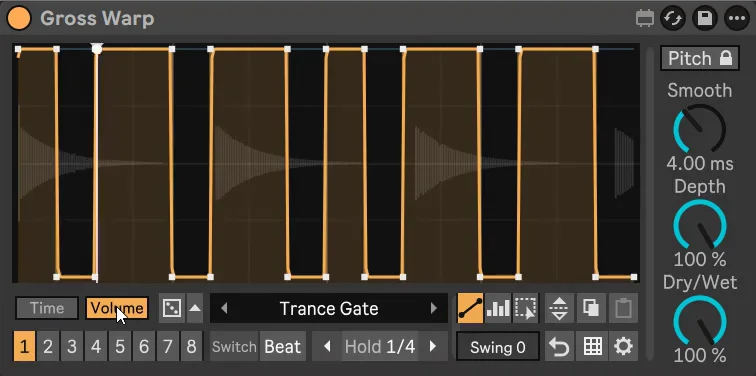
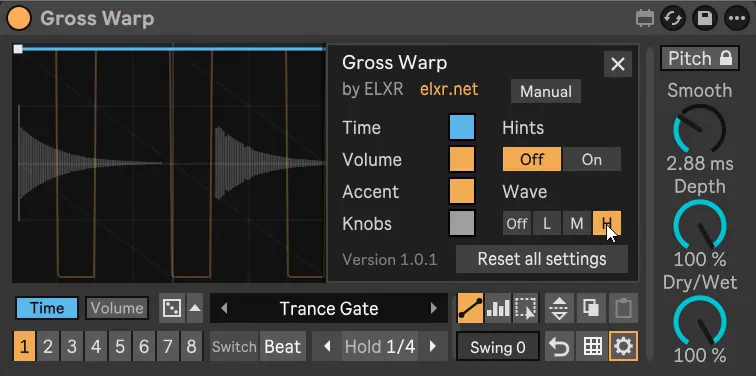
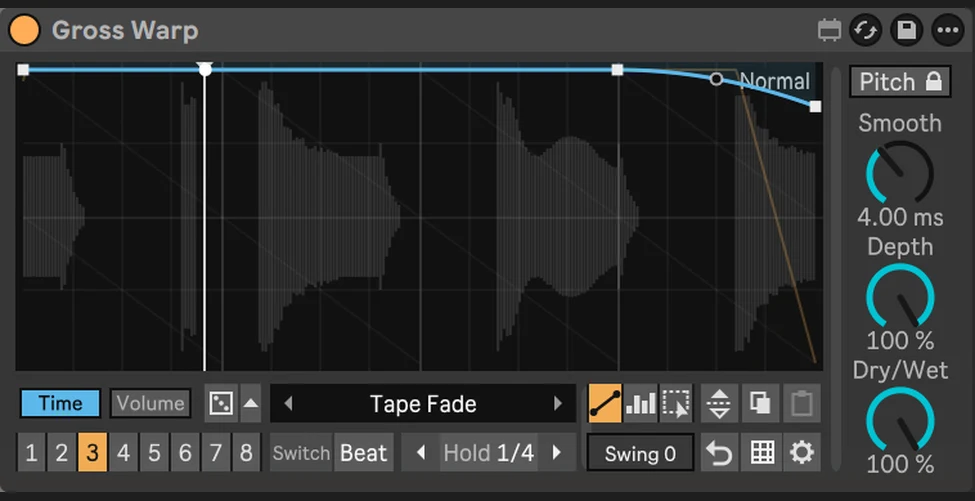
- Gross Beat: nothing built in. Gross Warp is a Gross Beat-style Max for Live device (inspired by Image-Line's Gross Beat, not affiliated).
Habits worth changing
- Use Session View for ideas. Loop four clips at once and swap them while it plays, then record the best version.
- Group tracks. Select tracks and press Cmd/Ctrl+G for a group with its own effects, like an FL mixer bus.
- Save device chains. Group devices into a Rack and save it to the browser to reuse your favorite chains.
- Freeze heavy tracks. Right-click a track and Freeze it to save CPU, the same idea as rendering a pattern to audio.