ELXR
How to get Gross Beat-style effects in Ableton Live
Live has no built-in device that does what Gross Beat does in FL Studio. You can get each effect separately with warping, Beat Repeat and automation, or use a Gross Beat-style device that replays the last moments of audio through a drawn Time envelope and a Volume envelope, locked to your song.
What the effect actually does
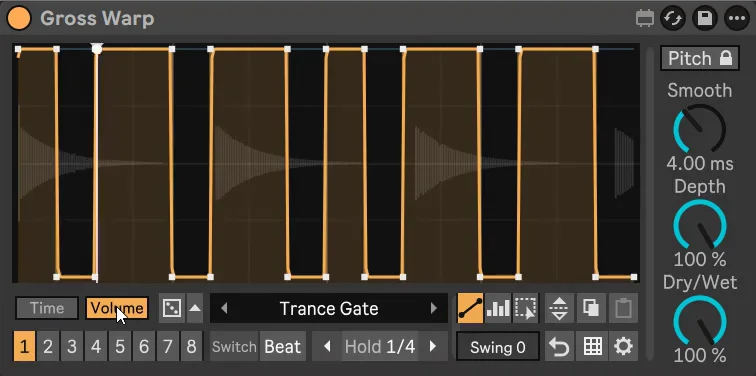
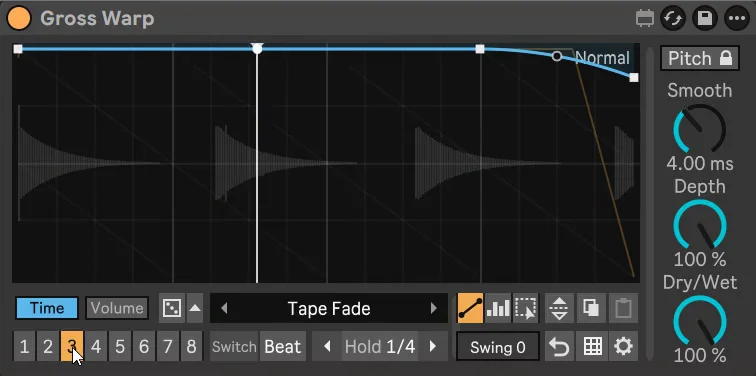
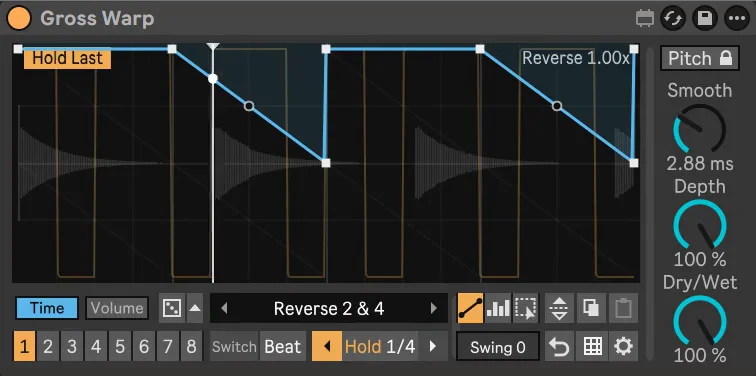
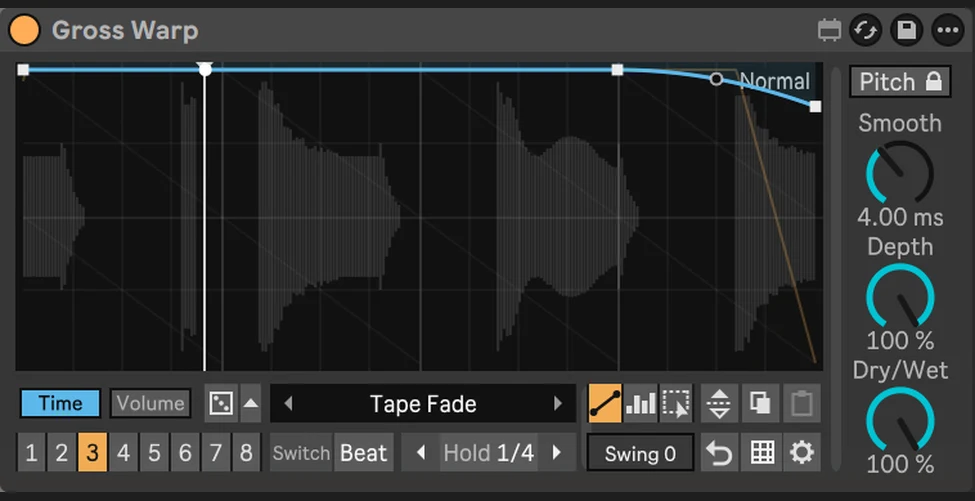
The idea behind Gross Beat is simple: the device keeps recording the last moments of audio and plays them back from wherever an envelope tells it to. Draw the playback position as a gentle slope and you get half time. Make it steeper and slow down at the end and you get a tape stop. Jump back with a vertical step and you get a stutter. Slope the other way and it plays in reverse. A second envelope does the volume: gates, pumps and trance gates.
Draw any of these, locked to your song, with Gross Warp →
Because it works on whatever comes in, it works on anything: one synth, a drum bus, a vocal or the whole mix.
Each effect with Live's own tools
- Half time: warp an audio clip and double its tempo with the ×2 button, so it plays at half speed. Clips only.
- Tape stop: put a clip in Re-Pitch warp mode and stretch the last beat with warp markers, or automate the song tempo down.
- Stutter: Beat Repeat repeats short slices on the grid. Set Interval, Grid and Gate, and automate Chance or the device on/off.
- Reverse: the Rev button in the clip view reverses a whole clip.
- Gates and pumps: volume automation, Auto Pan in tremolo mode, or a compressor with a sidechain.
It all works, but each effect lives in a different place, most only on clips, and changing your mind means redrawing.
All of it in one device
- Drop Gross Warp on a track, group or the master.
- Pick a preset from the folders: Half, Stop, Stutter, Reverse, Scratch, Chop, Gate, Pump and more. Time and Volume presets load separately, so any time effect works with any volume shape.
- Draw your own with Line (points and curves) or Block (paint steps on the grid), from 1/4 bar to 4 bars long.
- Put different effects in the 8 pattern slots and switch now, on the next beat or on the next bar. Automate Pattern to play them in your arrangement.
- Use Hold to loop what just played, or roll the Dice for a new musical pattern.
Gross Warp is inspired by Image-Line's Gross Beat and is not affiliated with Image-Line. It adds no latency and sounds the same when you export or freeze.