ELXR
How to make a stutter effect in Ableton Live
A stutter repeats a tiny slice of sound in time with the beat, like a DJ hitting a loop button. In Ableton use Beat Repeat for random repeats, slice and duplicate audio for exact ones, or draw stutters with a device that jumps back in time on the grid.
Three ways to do it
1. Beat Repeat
Live's Beat Repeat captures a slice and repeats it. Start with Interval 1 bar, Offset on the last beat, Grid 1/16 and Gate 1/4, so the last beat of every bar stutters. Turn Chance down for repeats that only happen sometimes, and use Pitch Decay for repeats that fall in pitch. Set Mix to Insert so the repeats replace the original instead of layering over it.
Draw stutters as a time envelope with Gross Warp →
2. Slice it by hand
Cut a short slice of an audio clip on the grid and duplicate it. Exact and free, but slow, and it only works on clips.
3. Draw it with a time envelope
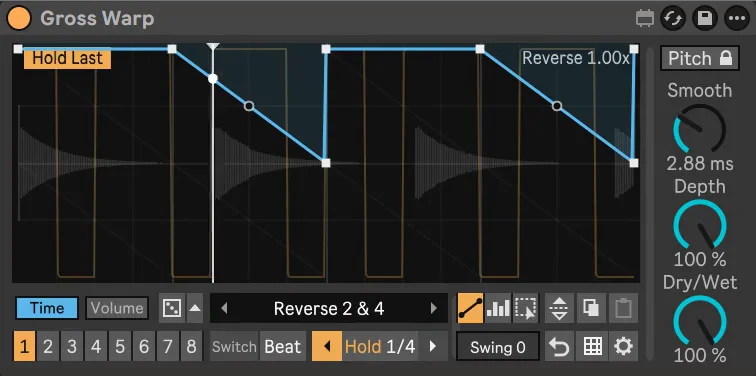
A device that replays recent audio can jump back on the grid: a vertical step in its Time envelope plays the same slice again. You draw exactly where the stutters go, on any track, and switch them on with the beat.
Step by step with Gross Warp
- Drop Gross Warp on the track you want to stutter.
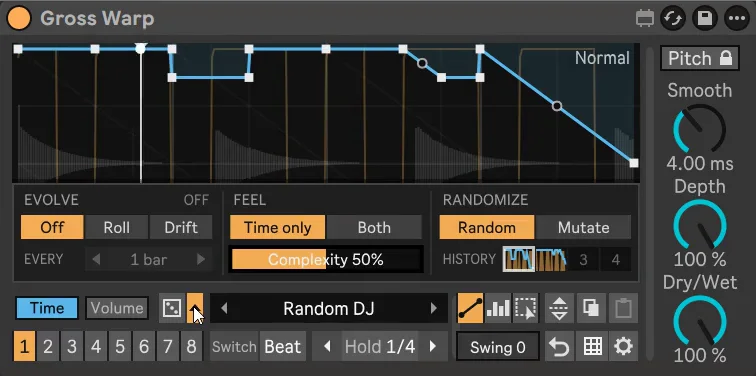
- Load a preset from the Stutter or Glitch folder, or draw steps yourself in Block mode with Snap at 1/16 or 1/32.
- Keep a clean pattern in slot 1 and the stutter in slot 2, then switch to it on the next beat for fills.
- Use Hold Last to loop the 1/16 or 1/8 that just played, a classic build-up stutter.
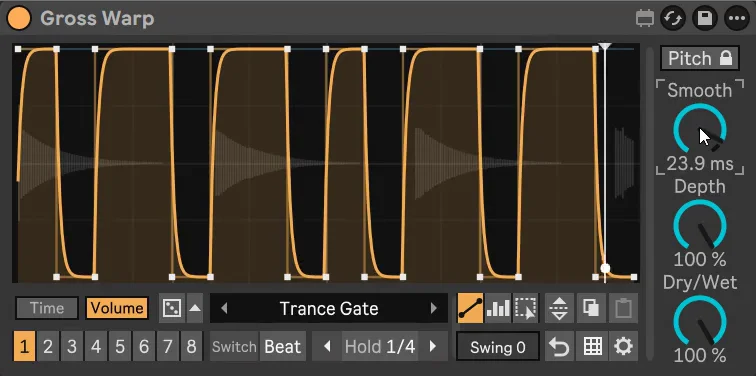
- Add a Volume shape that ducks between repeats so they sound tight.
Getting it to sound right
- Shorter slices sound more digital. 1/32 and faster turns into a buzzing glitch; 1/8 sounds like a DJ loop.
- Speed up into a drop. 1/4, then 1/8, then 1/16 over the last bars is the classic build.
- Smooth the edges. Raise Smooth so the jumps don't click.