ELXR
How to make a tape stop effect in Ableton Live
A tape stop slows the sound and its pitch down to nothing, like a tape machine losing power. In Ableton you can draw it with warp markers on a clip in Re-Pitch mode, or put a tape stop device on any track and trigger it on the beat.
What a tape stop is
When a tape machine or turntable loses power, the playback slows down and the pitch falls with it, until it stops. Producers use it to end a section, to drop into a breakdown, or as a fill before the next hit. The reverse, a tape start, spins the sound back up to speed.
Three ways to do it in Ableton Live
1. Re-Pitch warping
Put the audio in a clip, set the warp mode to Re-Pitch, and add warp markers over the last beat. Drag them so the beat stretches more and more toward the end: speed and pitch fall together, like tape. Precise, but slow to draw, and only on clips.
2. Tempo automation
With the clips in Re-Pitch, automating the song tempo down slows and pitches everything at once. It affects the whole song, though, and MIDI instruments just play slower without dropping in pitch.
3. A tape stop device
A device does it on any track, group or the master, in real time. You pick how long the stop takes, and it lands exactly on the grid every time.
Step by step with Gross Warp
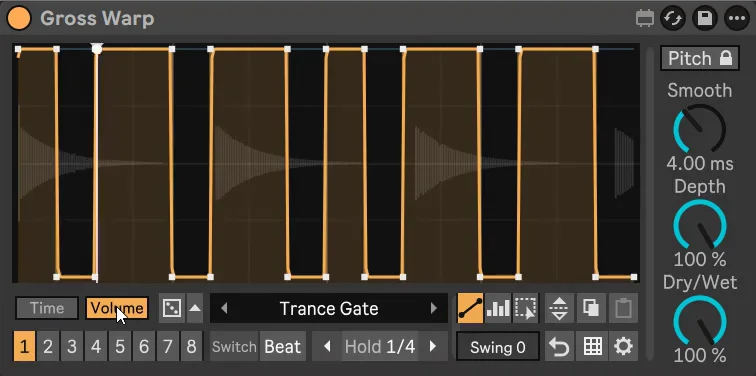
- Drop Gross Warp on the track, group or master.
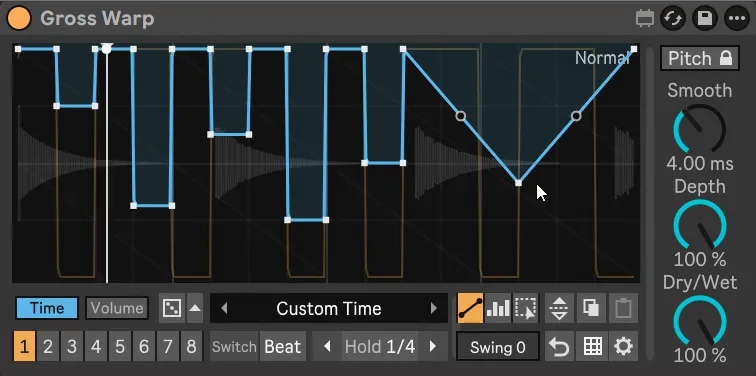
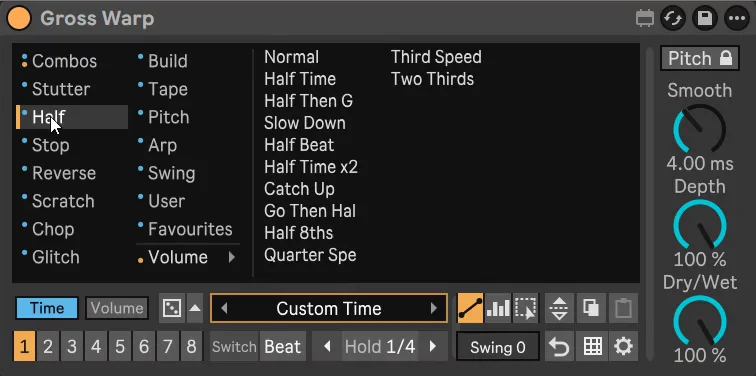
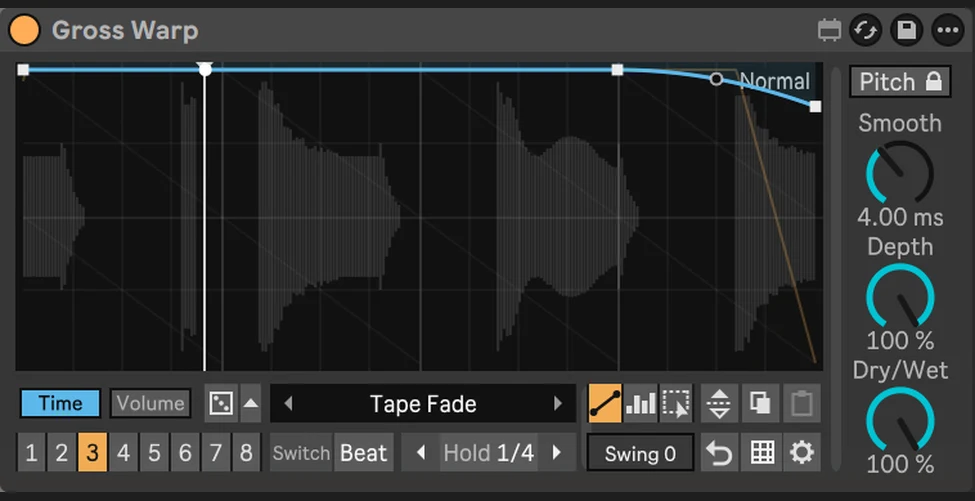
- Pick a preset from the Stop folder (or Tape). The Time envelope is a steep curve that flattens out: that's the slow-down.
- Switch Keep Pitch off, so the pitch falls with the speed like a real tape machine.
- Set the pattern length to a beat, a bar or two, depending on how long the stop should take.
- Keep a plain pattern in another slot and switch to the stop on the next bar, or automate Pattern so it fires right at the end of the phrase.
Getting it to sound right
- Short for fills, long for endings. A quarter note stop works as a fill; one or two bars ends a section.
- Bend the curve. A curve that drops slowly at first and then quickly sounds most like a machine losing power.
- Leave silence after it. The moment of nothing before the next section is what makes it hit.
- Try the reverse. A slope the other way plays backward; a rising slope after a stop spins it back up.