ELXR
How to make a half-time effect in Ableton Live
Half time plays the sound back at half speed while the song keeps its tempo. In Ableton you can warp a clip to half speed, or use a device that replays the last moments of audio at half speed on any track, in sync, and switch it on just for the bars you want.
What half time does
The groove suddenly feels twice as heavy: the drums, chords or vocal play at half speed against a song that hasn't slowed down. It's a classic move in dubstep, trap, future bass and hip hop drops, and a strong way to build tension before a section hits.
Switch any track to half time on the next bar with Gross Warp →
There are two flavors. With the pitch dropping an octave you get the dark, tape-like sound. With the pitch kept, the groove halves but the notes stay in key.
Three ways to do it in Ableton Live
1. Warp the clip
In an audio clip's Warp section, double the clip's tempo with the ×2 button. Live now thinks the clip is twice as fast, so it plays it at half speed. Complex Pro keeps the pitch; Re-Pitch drops it an octave like tape. It works on clips only, so for a synth or a whole group you have to resample first.
2. Resample and stretch
Record the part to a new audio track, then stretch it to twice its length with warp markers. Good for one-off moments, slow to change once it's done.
3. A half-time device
A device on the track replays what just played at half speed, on any audio: live synths, drum buses, the whole mix. It follows the transport, so you can switch it on for exactly the bars you want and automate it.
Step by step with Gross Warp
- Drop Gross Warp on the track or group you want to halve.
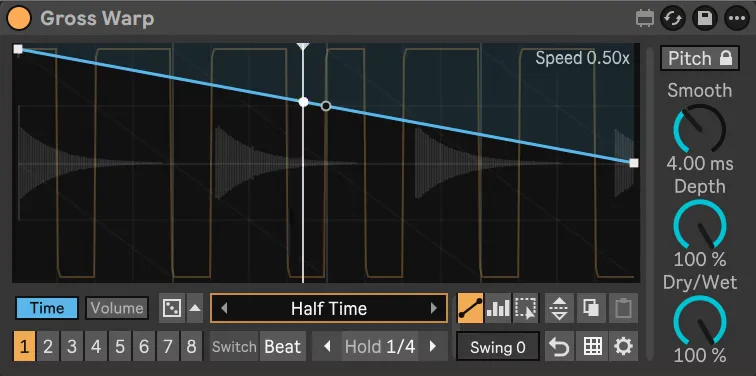
- Open the presets and pick one from the Half folder. The Time envelope is now a gentle slope: that's half time.
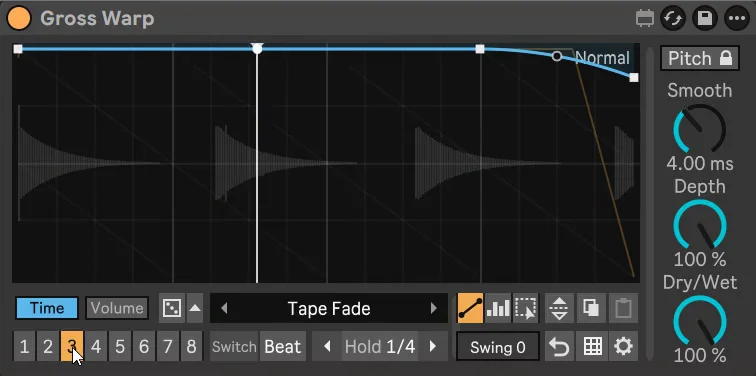
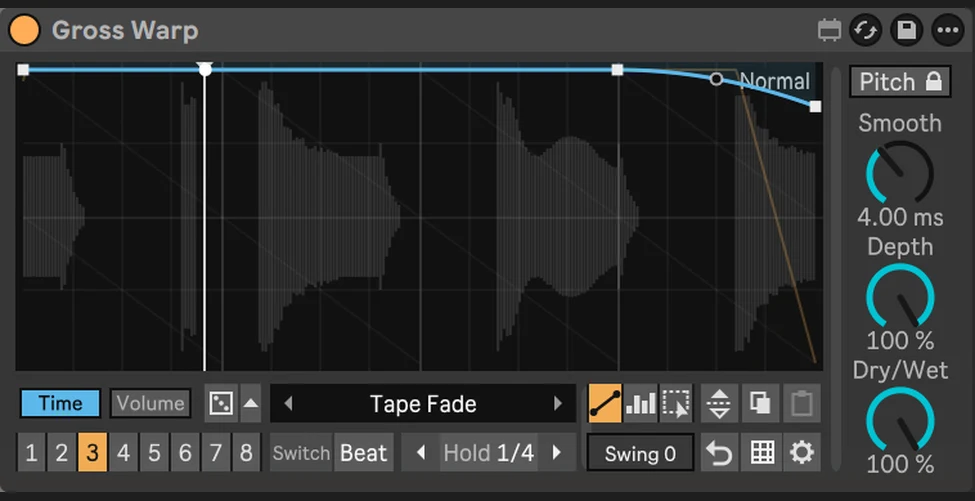
- Keep Pitch is on by default for half time that stays in key. Switch it off for the classic octave-down tape sound.
- Put a plain pattern in another of the 8 slots, then switch between them on the next beat or bar, or automate Pattern in your arrangement.
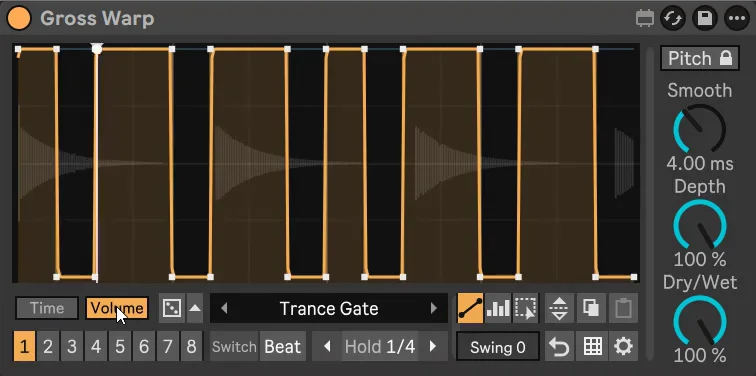
- Draw a Volume shape too if you want the halved part to pump or gate.
Getting it to sound right
- Halve the drums, not always the bass. Half-time drums with the bass playing normally sound huge; halving everything can sound like a mistake.
- Use it for a bar or two. Half time hits hardest as a contrast right before the drop or at the end of a phrase.
- Mind long held notes. With Keep Pitch on, very long sustained notes can sound a little grainy; drums stay sharp.