ELXR
How to set up sidechain compression in Ableton Live
Put Live's Compressor on the track you want to duck, open its sidechain section, choose the kick track in Audio From, then set a high ratio, fast attack and a release of about 100–200 ms. The track now dips every time the kick hits.
Step by step
- Put a Compressor on the bass, pad or chord track you want to duck.
- Click the small triangle in the Compressor's title bar to show the sidechain section and switch Sidechain on.
- In Audio From, choose the kick track. Choose its post-effects signal so it follows what you hear.
- Set Ratio to 4:1 or higher, Attack to the fastest setting and Release to around 100–200 ms.
- Lower Threshold until the gain reduction meter dips 6–12 dB on each kick. Adjust Release until the sound breathes back in time with the beat.
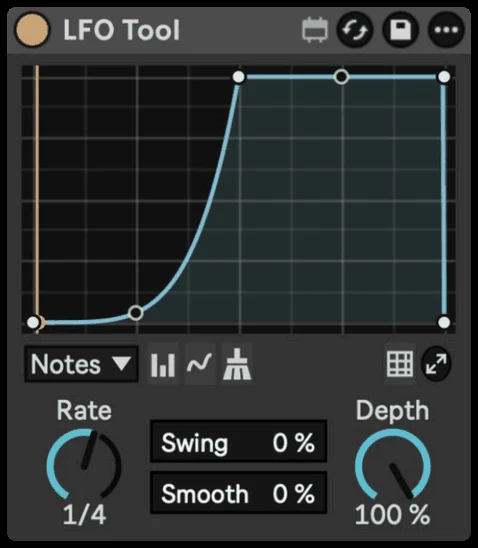
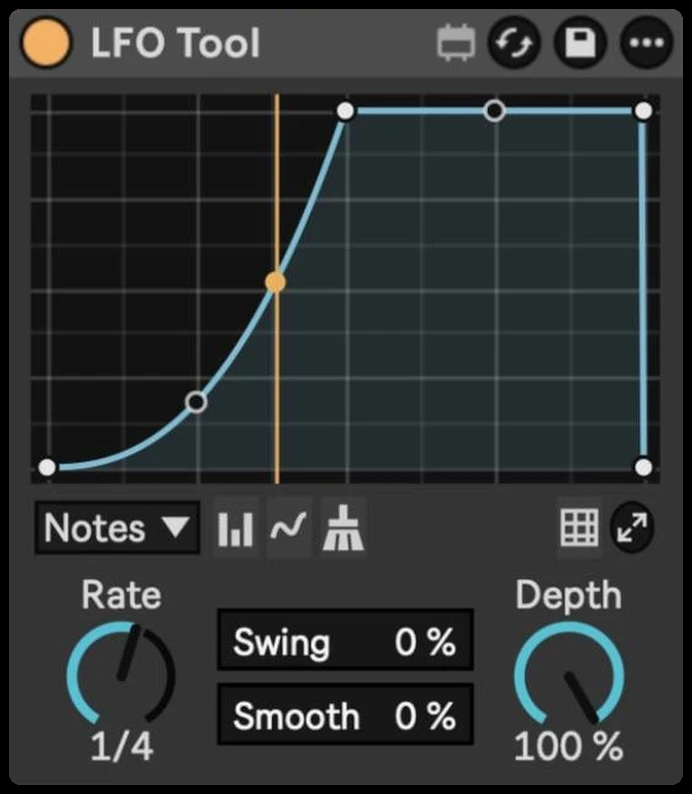
Draw the pump as a shape instead with Curves →
Tips that make it pump right
- Ghost kick: make a muted-to-the-master kick track (send its output to Sends Only, or turn its volume all the way down while still feeding the sidechain) and use it as the trigger. The pump keeps going in breakdowns when the real kick stops.
- Duck the bass most. The kick and bass share the low end, so the bass needs the deepest dip.
- Use the sidechain EQ. In the sidechain section, the EQ can make the compressor listen only to the kick's lows, so hi-hats don't trigger it.
- Release sets the groove. Short release is tight and subtle; long release is the obvious "breathing" pump.
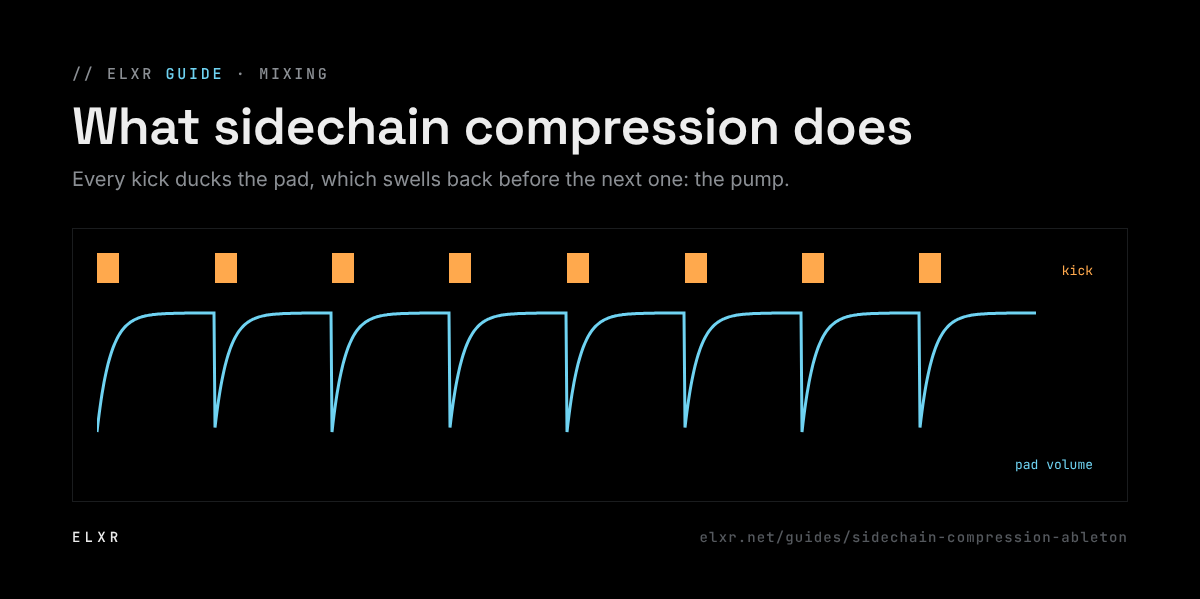
Listen to the pump, not the gain reduction meter. A good pump breathes with the groove: the pad steps out of the way and is back in time for the next beat, like a muscle that relaxes and tightens. If the track sounds like it's gasping, the dip is too deep or the release too short. There's no correct amount: a deep house groove wants a gentle lean, a festival drop can pump hard. Set it by feel, then check it next to a track you love.
The easier way: volume shaping
Sidechain compression follows the kick's level, so the pump changes when the kick does, and it needs routing. A volume shaper draws the same dip as a shape synced to the tempo, the same on every beat, with no routing. Curves starts with a classic sidechain shape, and our guide to sidechaining without a compressor walks through it.