ELXR
How to stop your kick and bass clashing in Ableton Live
Look at the kick and the bass on the same spectrum to see which frequencies they share. Then give each one its own space: let the kick own its punch and the bass its fundamental, duck the bass when the kick hits, and tune the kick to the song's key.
Why they clash
Kick and bass both put most of their energy between about 40 and 120 Hz. When they land at the same time on the same frequencies, they add up into a boomy, muddy low end. When they're out of phase there, they partly cancel and the kick loses its punch. Either way the mix gets louder without sounding bigger.
Find the overlap first
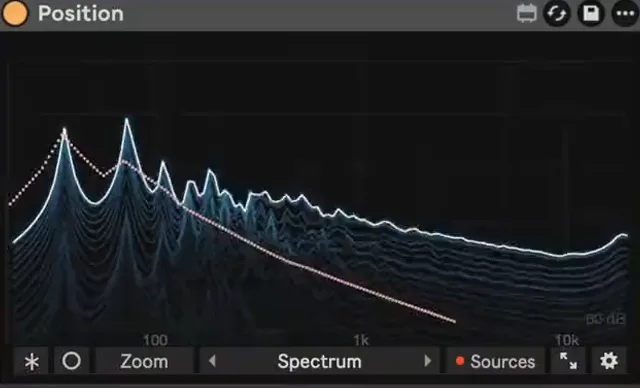
Guessing with an EQ is slow. Put a spectrum on each track and compare them: the kick usually has a peak for its body (often 50–80 Hz) and a click higher up, the bass has a peak at its lowest notes. Where both peak at once, they fight.
Live's Spectrum shows one track at a time, so you end up switching between two windows. It's easier to see both at once on top of each other, in different colors.
Four ways to fix it
1. Duck the bass on every kick
Sidechain compression or volume shaping turns the bass down for a moment on each kick, so the kick hits clean. Our guide to sidechaining without a compressor shows the shaping way.
2. Carve with EQ
Choose who owns the lowest octave. If the kick has the deepest weight, cut the bass a little at the kick's peak with EQ Eight; if the bass carries the bottom, high-pass the kick a touch and let its punch sit above.
3. Tune the kick
A kick has a pitch. Tune it to the root or the fifth of the song's key in Simpler or Drum Rack, and it sits with the bass instead of against it.
4. Shorten one of them
A shorter kick tail or a bass note that starts just after the kick leaves each one its own moment in time.
Step by step with Position
- Put Position on the bass track.
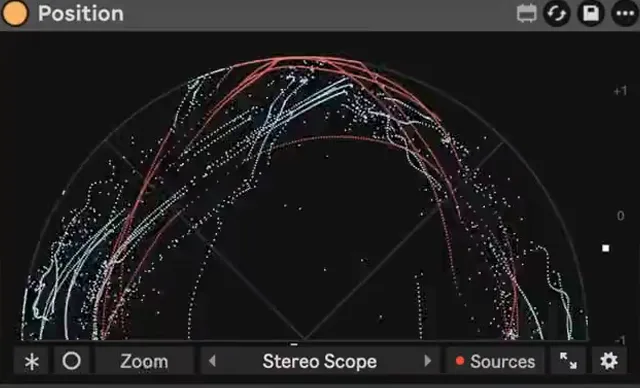
- Add the kick track as a Source. It shows on top of the bass in its own color, without being mixed into your output.
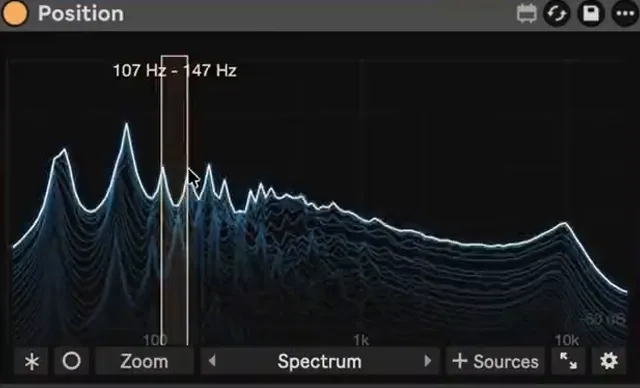
- Switch to Spectrum and play. Where the two colors pile up at the same frequency, that's the clash.
- Switch to the Oscilloscope and lock it to 1/4 or 1 bar, so you can see whether the bass is still loud right where each kick lands.
- Apply one of the fixes above and watch the overlap shrink. Click a band to hear just that range while you work.