ELXR
// Guide · Ableton Live
What is phase in audio?
// Quick answer
Phase is where a sound wave is in its cycle at a given moment. When two copies of a sound are out of step, they partly cancel and the sound gets thin or hollow; flipped completely, they cancel to silence. Polarity is a full flip of the wave, and you fix it with a single switch.
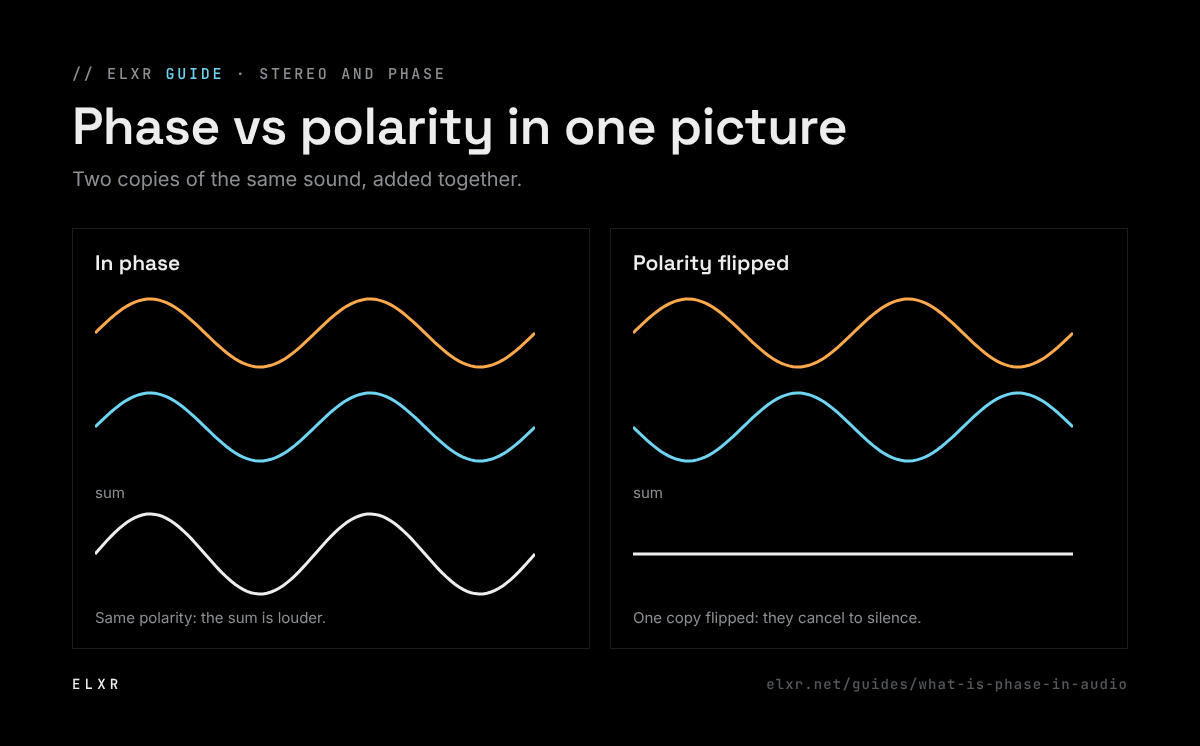
The idea in one picture
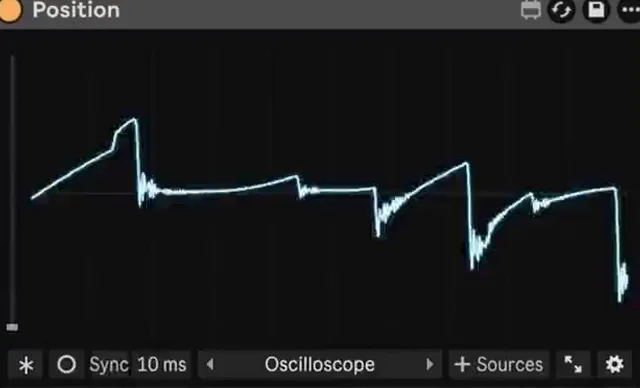
A sound wave goes up and down. Add two identical waves that go up and down together and you get a louder wave. Add two that move in opposite directions and they cancel. Most real phase problems sit in between: two copies slightly out of step cancel some frequencies and boost others, which sounds thin, hollow or "phasey".
Phase vs polarity
- Polarity flips the whole wave upside down: every frequency at once. Two mics facing each other on a snare, top and bottom, are a classic polarity flip. Fix it with Utility's Phz-L and Phz-R switches.
- Phase is a time or frequency-dependent shift: a delay of a few milliseconds, or filters that shift some frequencies more than others. Fix it by nudging timing, or with dedicated phase-alignment tools.
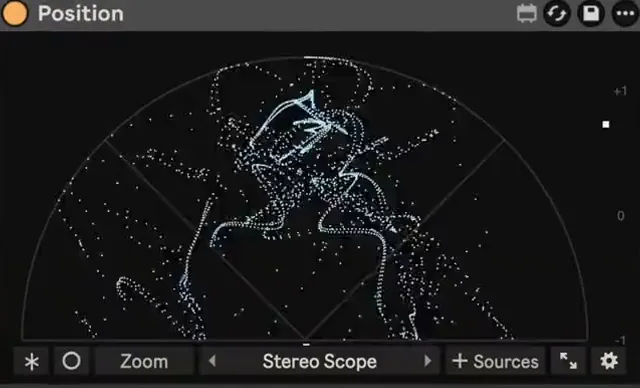
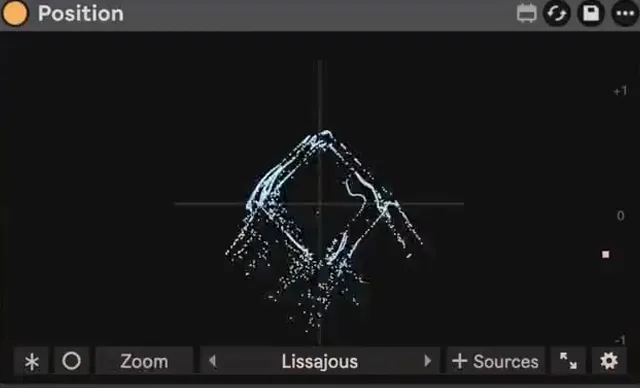
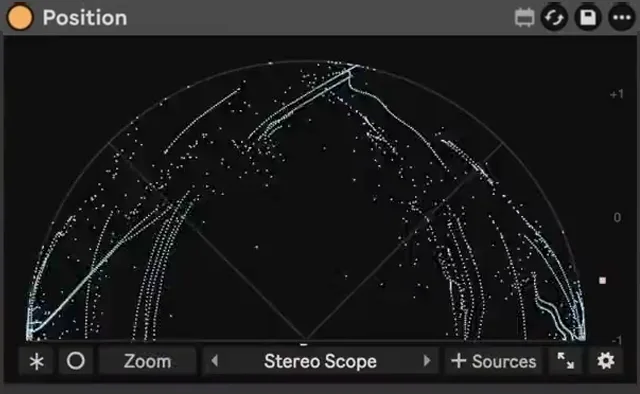
Spot phase problems on a stereo scope with Position →
Where phase problems come from
- Layered samples: two kicks whose waves start at different points can cancel each other's low end.
- Stereo wideners: some widening tricks put the left and right sides out of phase, so the sound drops when played in mono.
- Several mics on one source: each mic hears the sound at a slightly different time.
- Parallel processing: a delayed copy blended with the dry sound, if the plugin adds latency Live doesn't know about.
Spot it and fix it in Ableton Live
- Turn on Mono in a Utility on the master. If a sound gets quieter or thinner, it has a phase problem.
- Look at it on a stereo scope. Position shows every sample as a dot: mono goes straight up, and a sideways smear means the left and right sides are fighting.
- For layered kicks, zoom in on the waveforms and line up their first peaks, or flip one's polarity and keep whichever sounds fuller.
- For wideners, reduce the width, mono the low end with Utility's Bass Mono, or use a widener that stays mono-safe.