ELXR
What is a disperser effect?
A disperser delays each frequency by a slightly different amount. Low frequencies arrive later than highs (or the other way around), so a short hit gets smeared into a fast pitch sweep: the zap, pew or laser sound. Gently, it softens peaks; pushed, it's a sound design effect.
How it works
A disperser is a long chain of all-pass filters. Each one lets every frequency through at the same level but shifts its timing a little, more around one frequency than the others. Stack dozens or hundreds of them and the frequencies near the center arrive noticeably later than the rest.
On a sustained sound you barely hear it, because nothing is louder or quieter. On a short hit, like a snare, a kick or a pluck, the frequencies that used to arrive together now arrive one after the other. Your ear hears that as a very fast pitch sweep: a zap.
What it's used for
- Laser zaps and pews. Snares, claps and plucks turn into lasers; the stronger the effect, the longer the sweep.
- Kick thwips. A short, bright snap on the front of the kick, popular in dubstep and bass music.
- Softer peaks. A little dispersion spreads a sharp peak over time, so the sound has a lower peak level at the same loudness.
- Risers and drops. Automate the amount or the frequency for sweeps that follow the sound.
Using it in Ableton Live
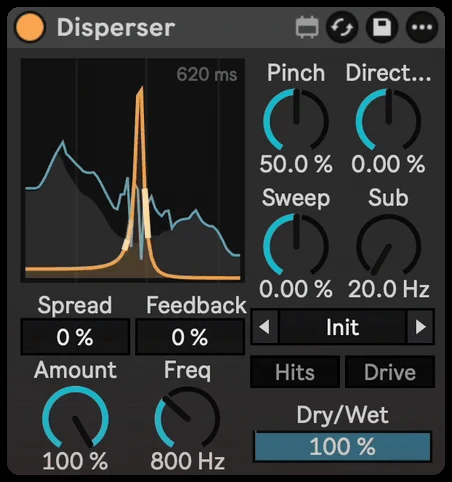
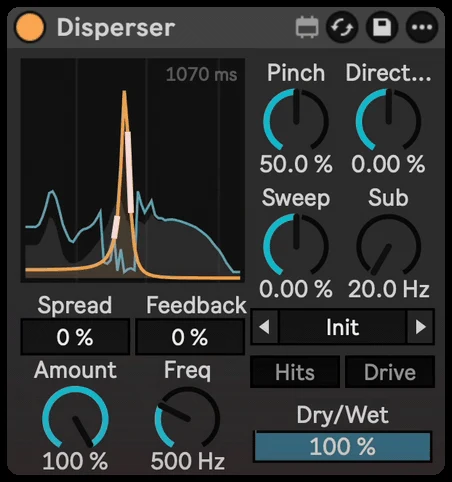
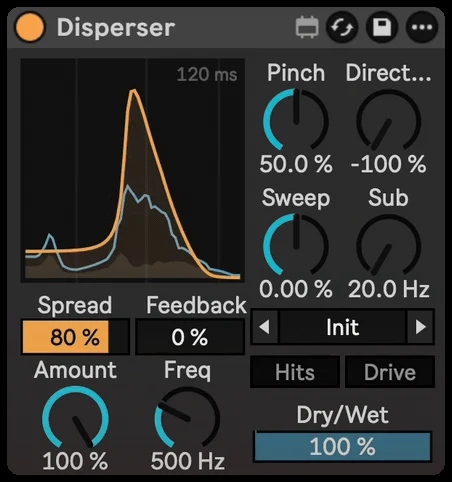
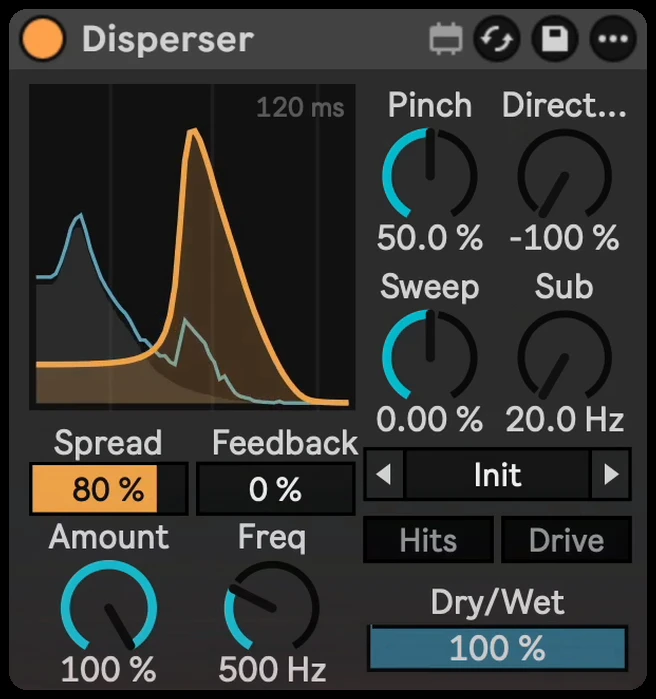
None of Live's stock effects is built for dispersion, so you need a dedicated device. Disperser is a compact one that looks like it came with Live:
- Drop it on a snare, clap, kick or pluck and start from a preset like Snare Laser or Kick Thwip.
- Turn Amount for how strong the zap is, and set Freq for its pitch.
- Use Pinch: low gives a wide falling pew, high rings like a single note.
- Flip Direction so the zap falls or rises, and add Sweep to drop the pitch on every hit.
- Turn on Hits so only the attacks zap and tails stay clean, and Sub to keep a clean low-frequency path under a kick.
For a full walkthrough of the laser sound, see how to make a laser zap effect in Ableton.