ELXR
Harmonic exciter vs saturation: what's the difference?
Saturation adds harmonics to the whole sound and changes its tone and dynamics everywhere. An exciter adds harmonics only to the range you choose, usually the highs or the upper mids, and leaves the rest alone. Use saturation for warmth and glue, an exciter for presence and air without mud.
What both have in common
Both work by adding harmonics: new frequencies above the notes that are already there. That's why a saturated or excited sound feels louder, brighter and closer at the same level. EQ can only turn up what's already in the sound; harmonics can add brightness to a sound that has none.
Saturation
Saturation drives the whole signal into a soft curve, like tape, tubes or an overloaded console. Every frequency gets harmonics, and the loudest parts get squashed a little. In Live that's Saturator, Overdrive, Pedal, Roar or Drum Buss.
- Great for: warmth, glue, thickness, and grit when you push it.
- Watch out for: mud in the low mids, a duller attack, and harshness on already bright sounds.
Harmonic exciters
An exciter picks a frequency range first, generates harmonics only from that part, and blends them back in. The low end stays clean and the dynamics stay as they were.
- Great for: dull synths, vocals that need presence, pads that need air, bass that needs to be heard on small speakers.
- Watch out for: too much in the top end sounds thin and fizzy. Bypass it often.
Live has no exciter device, but you can build a rough one: an Audio Effect Rack with two chains, one dry and one with EQ Eight cutting everything below the range you want, then Saturator. Blend the second chain in quietly.
Step by step with Harmonics
- Drop Harmonics on the sound and start from one of its 59 presets, or the default.
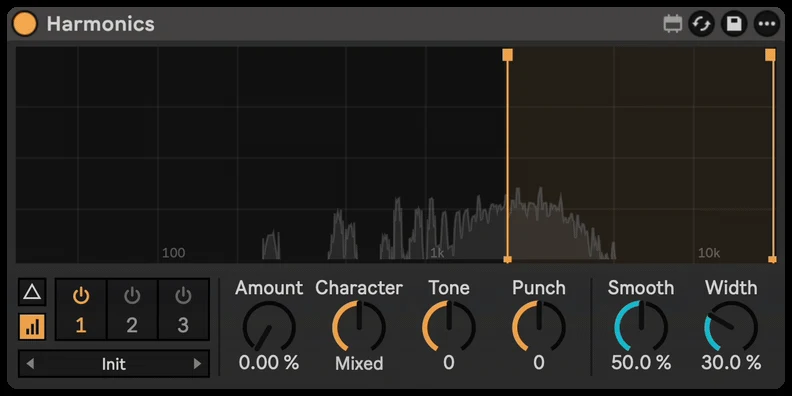
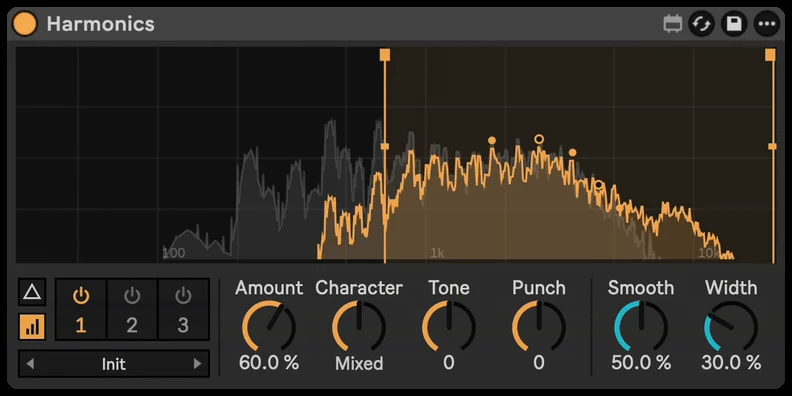
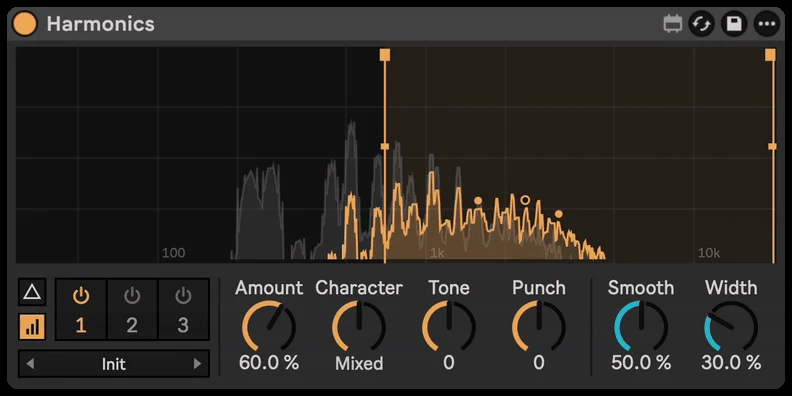
- Drag the two lines on the display to choose the range to excite. The added harmonics light up over your signal.
- Turn up Amount. Set Character from smooth, even harmonics (warm) to buzzy, odd ones (bite), and Tone darker or brighter.
- Use Punch to put the harmonics on the attacks, or Sustain to hold them up in the tails.
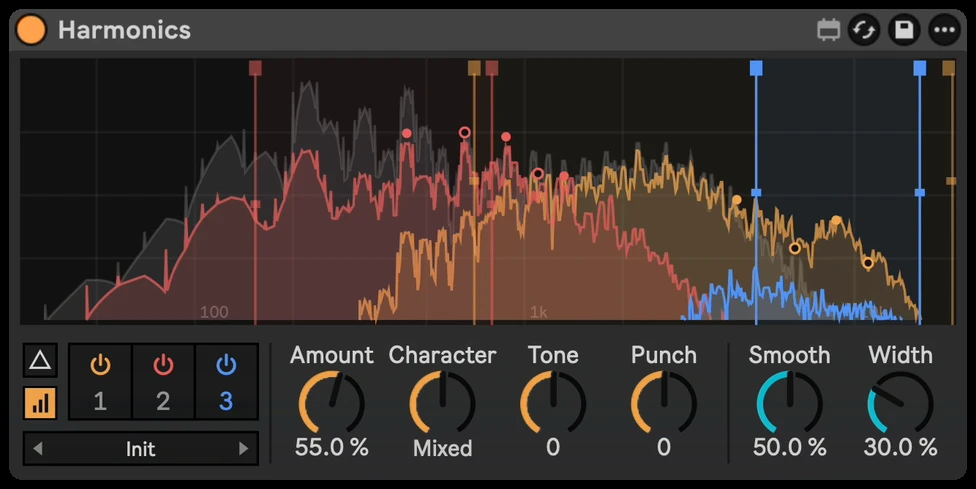
- Switch on Delta to hear only what's added, and Smooth if it gets harsh. Add a second or third band for different ranges.