ELXR
// Guide · Ableton Live
Mid/side processing explained
// Quick answer
Mid is what the left and right channels share (the center); side is what's different between them (the width). Processing them separately lets you, for example, keep the bass centered and clean while brightening only the wide parts of a mix. In Live, EQ Eight has an M/S mode for exactly this.
Mid and side in plain words
A stereo track is usually thought of as left and right. You can also split it into mid (left plus right: everything in the center, like the kick, bass and lead vocal) and side (left minus right: everything that differs between the speakers, like wide pads, reverb and stereo effects). Put them back together and you get the original, untouched.
What it's used for
- Clean low end: cut the lows in the side only, so the bass stays centered and solid on club systems.
- Air without harshness: boost the highs in the side to open up a mix without making the vocal brighter.
- Room for the vocal: a small cut in the mid's upper mids makes space for a lead while the wide parts stay full.
- Width control: turning the side up or down widens or narrows the whole mix.
Mid/side in Ableton Live
- Put EQ Eight on a group or the master and change its Mode from Stereo to M/S.
- Switch the Edit control between Mid and Side to set separate EQ curves for each.
- Use Utility's Width to change the balance between mid and side, and Bass Mono to keep the lows centered.
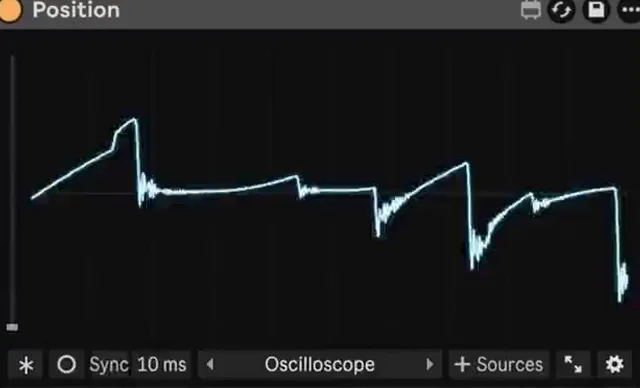
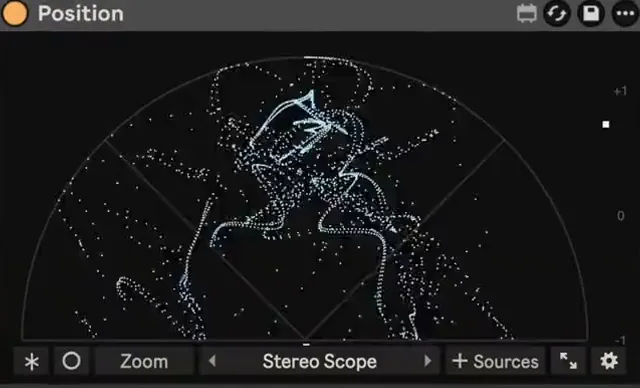
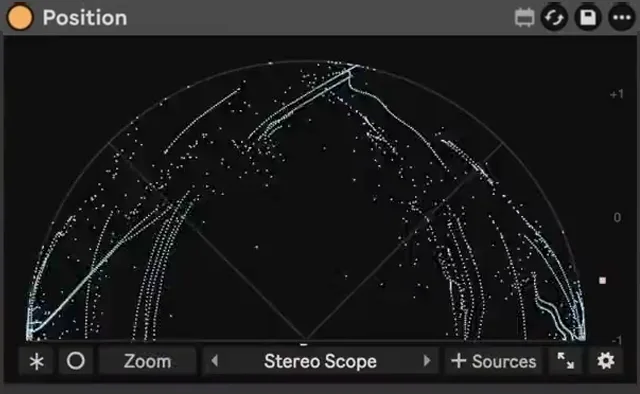
- Check the result on a mid/side or stereo view: Position has a Mid / Side view and a Stereo Scope, so you can see how much side there is and where it sits.
Common mistakes
- Too much side. A mix with more side than mid sounds wide in headphones and falls apart in mono.
- Boosting side lows. It makes the low end wide and unstable. Almost always cut them instead.
- Big moves on the master. Mid/side EQ is powerful; 1–2 dB is usually enough.