ELXR
How to pitch shift vocals in Ableton Live and keep them natural
Shifting a voice makes it sound smaller (up) or bigger (down) because its formants move too. Keep the formants where they were and it sounds like the same singer in a new key. In Ableton, use clip Transpose in Complex Pro with its Formants control, or a pitch device with a vocal mode.
Why shifted vocals sound fake
A voice has two things that change when you shift it: the note it sings, and the formants, the resonances of the throat and mouth that make it sound like that person. Shift both and you get the chipmunk sound going up, and a slowed-down monster going down. Shift only the note and keep the formants, and it still sounds like the same singer.
Three ways to do it in Ableton Live
1. Clip Transpose
For a recorded vocal clip, set the warp mode to Complex Pro and use Transpose in the clip view. Complex Pro has a Formants control: at 100 % it keeps the voice's character. Fine for a whole phrase in a new key, but it's fixed to the clip, so smooth moves and live input are out.
2. Live's Shifter
Shifter works on any track in real time. Its Coarse control steps by semitone and Fine has a limited range, which is fine for harmonies and fixed shifts, less so for smooth, big pitch moves.
3. A pitch device with a vocal mode
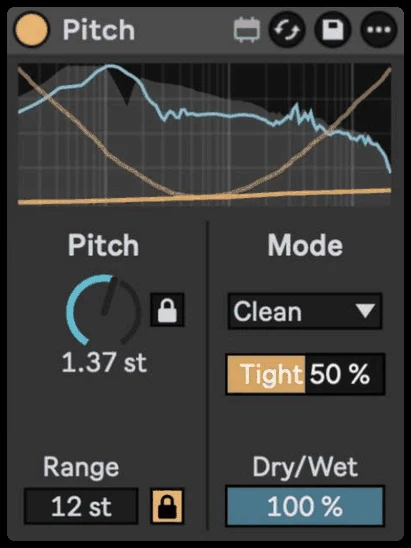
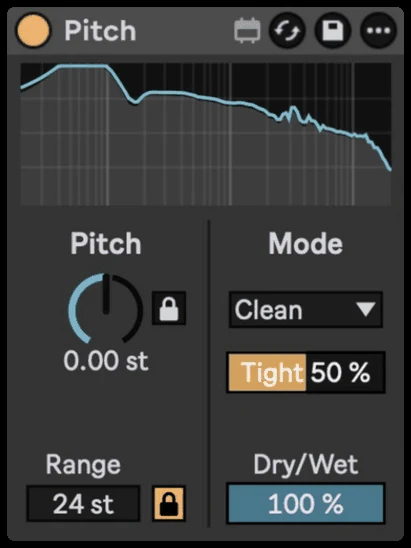
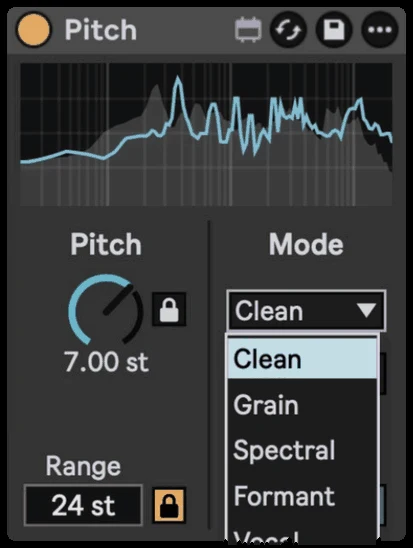
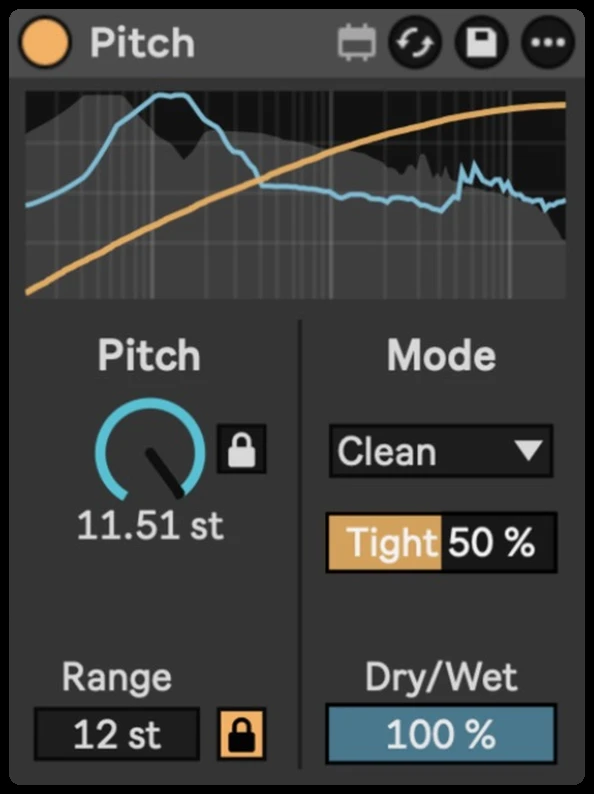
A device made for this shifts in real time and keeps the formants, and lets you automate the pitch smoothly. That's what Pitch does with its Vocal and Formant modes.
Step by step with Pitch
- Drop Pitch on the vocal track. Use one Pitch per voice: the vocal modes are made for a single voice.
- Choose Vocal mode for a natural shift, or Formant mode to keep a sound's character with more control.
- Turn on Semitone Lock and set the Pitch knob to the interval you want, for example +3 or −5 semitones.
- Adjust Formant to taste: keep it neutral for the same singer, push it for a deeper or lighter character on purpose.
- Turn Semitone Lock off and automate Pitch for smooth glides, drops and risers. Each mode reports its latency to Live, so the vocal stays in time.
Getting it to sound right
- Small shifts sound most natural. Within a few semitones, most listeners won't hear it. Beyond an octave it becomes an effect.
- Make a harmony with Dry/Wet. Blend the shifted voice with the original for a parallel harmony.
- Big drops are a sound of their own. An octave down with the formants shifted too is the classic dark vocal chop.