ELXR
Polyrhythm vs polymeter: what's the difference?
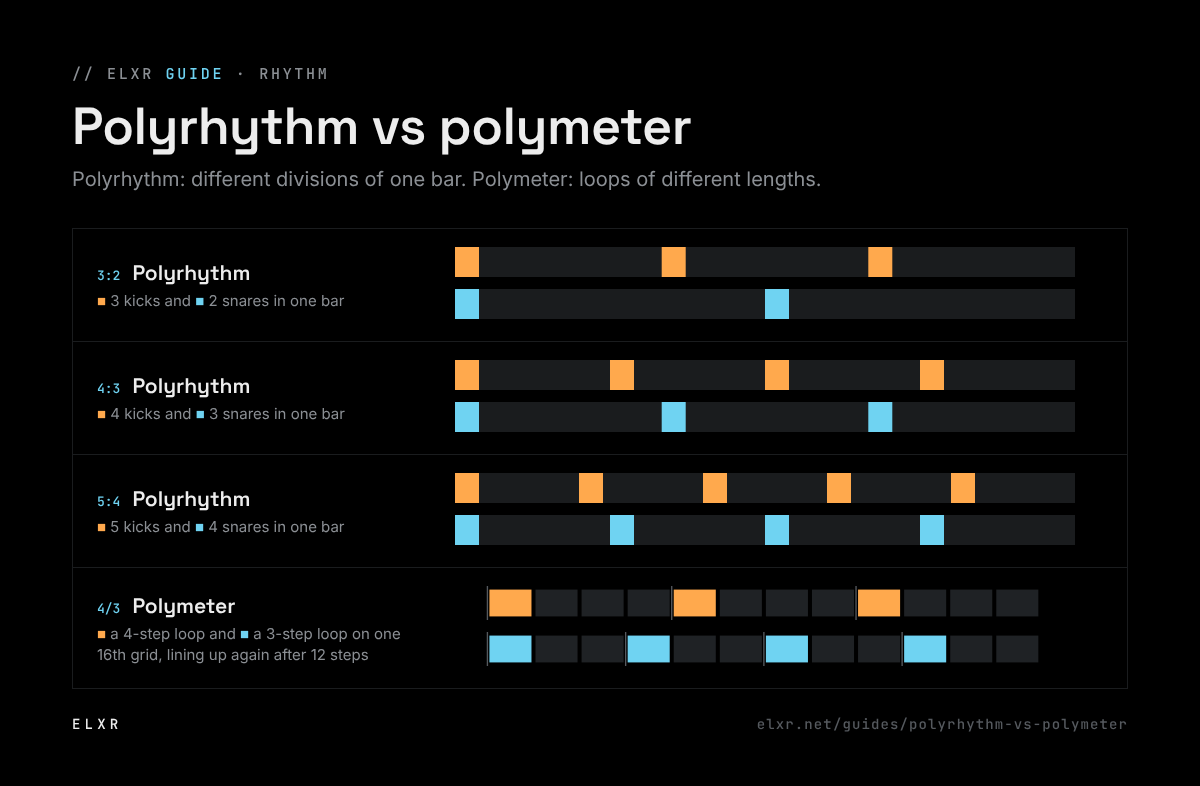
A polyrhythm fits different numbers of evenly spaced notes into the same span, like 3 against 2 in one bar. A polymeter keeps the same pulse but loops patterns of different lengths, like a 3-step pattern over a 4-step one, so they drift and line up again later.
Polyrhythm
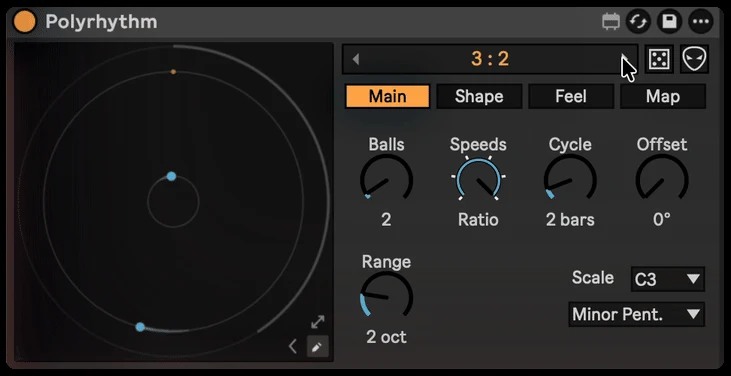
Take one bar. Play two evenly spaced notes in it on one sound and three on another. Both start together and end together, but in between the notes fall in different places: that's 3:2, the most common polyrhythm. 4:3 and 5:4 work the same way. The pulse of each layer is different; the cycle they share is the same.
Polymeter
Now keep one pulse, 16th notes, and loop a pattern 3 steps long against one 4 steps long. Every step lands on the same grid, but the patterns restart at different times, so the accents move around and only line up again after 12 steps. That's a polymeter. Techno and minimal use it all the time to keep a loop changing without adding anything.
Making both in Ableton Live
- Polymeter, the easy way: give two clips different loop lengths, for example a 3-beat loop and a 4-beat loop in Session View. Live keeps both in time and they drift against each other.
- Polyrhythm by hand: set the MIDI editor's grid to triplets for one part and straight for another, or draw notes at exact divisions of the bar. It works, but odd ratios like 5:4 or 7:3 are hard to draw.
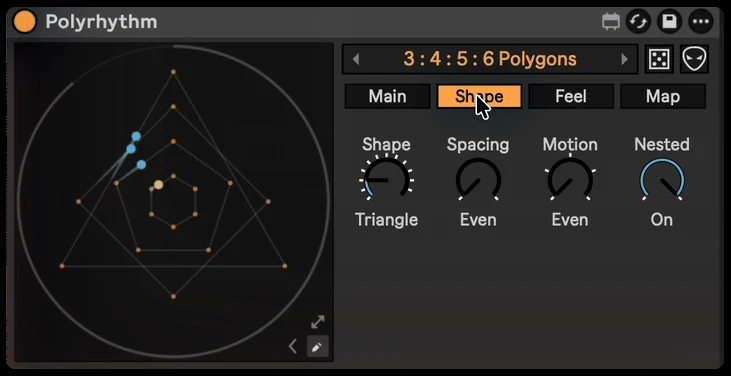
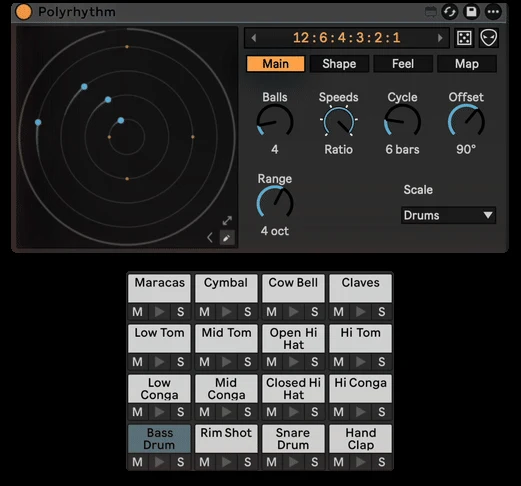
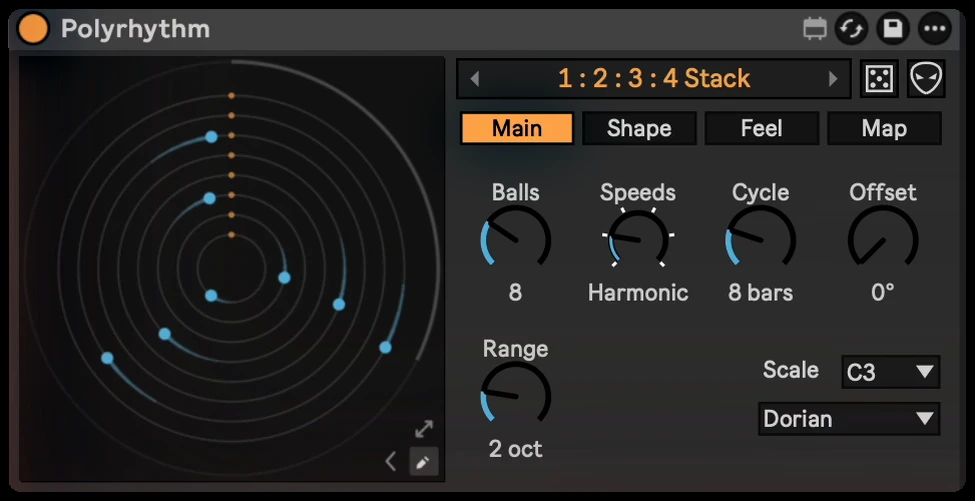
- Polyrhythm as shapes: Polyrhythm turns each layer into a dot circling a shape. A triangle plays three notes per lap and a square four, so 4:3 is literally a square and a triangle. All the dots meet again at the end of each cycle, locked to Live's transport.
Ideas to try
- 3:2 hi-hats over a straight kick for a rolling, swinging feel.
- 5:4 on a pluck against a four-on-the-floor beat for a melody that keeps shifting.
- Map a dot to a filter so the polyrhythm moves the sound, not just the notes.