ELXR
How to tighten drum tails and reduce room sound in Ableton Live
Turn down the sustain, not the hit. A transient shaper lowers everything after each hit, so tails, ring and room get shorter while the attack keeps its punch. For one-shots you can also shorten the sample's decay, and for loose recordings a gate cuts the space between hits.
Why drums sound loose
Long kick tails, ringing toms and roomy snares fill the space between hits. One drum alone sounds big, but in a full mix the tails pile up into wash and mud, and the groove loses its snap. Tightening the tails gives every hit its own moment again.
Three ways to do it in Ableton Live
1. Shorten the sample
For one-shots in Simpler or a Drum Rack, lower the volume envelope's Decay or Release, or trim the sample end. It's clean and free, but it doesn't work on loops or recorded drums.
2. Gate
Live's Gate closes when the level falls below the threshold, cutting the tail and the room between hits. Set Release so the tail fades rather than chops. On busy loops it can cut too much, or flutter on quiet hits.
3. A transient shaper
A transient shaper follows each hit and turns down what comes after it by the amount you set. It works on one-shots, loops and full drum buses, and it's always in time with the playing. Live's Drum Buss has a Transients knob that moves in this direction too; a dedicated shaper gives you separate control of the attack and the tail.
Step by step with Transient
- Drop Transient on the drum track or bus.
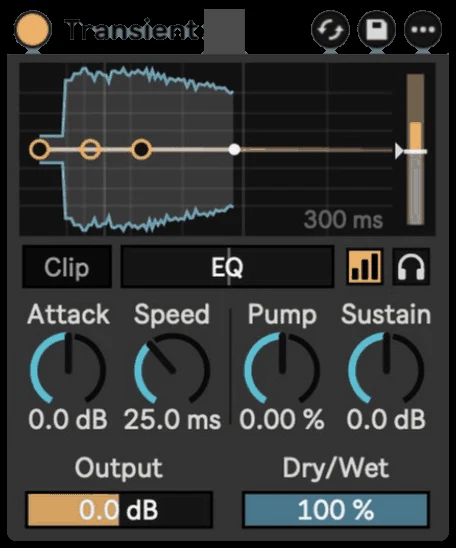
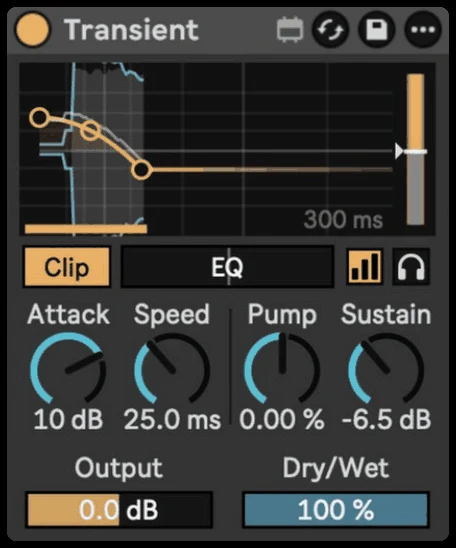
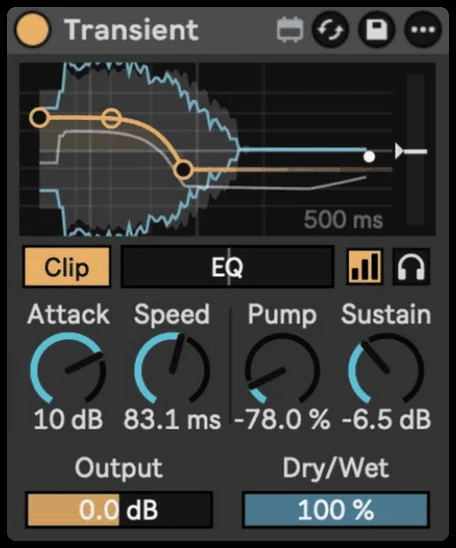
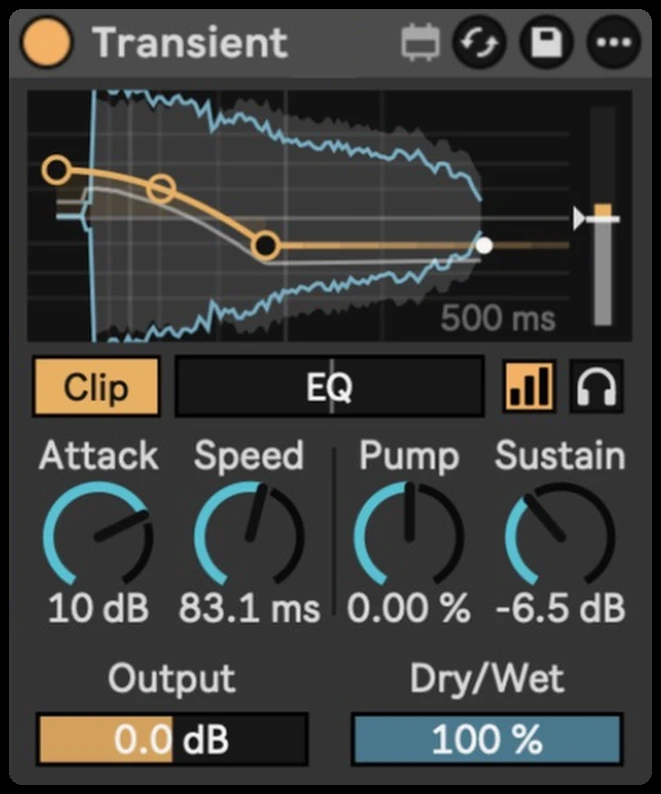
- Turn Sustain down. Tails, ring and room get shorter after every hit. Watch the blue result line pull in after each grey hit.
- Set Speed: short keeps the click, longer keeps more of the punch before the tail is cut.
- Use Pump to shape the drop from the hit into the tail, from spiky to held.
- On a full loop, use EQ and Sensitivity so only the hits you want trigger the shaping, and Listen to hear only what's being changed.
- Turn on Auto Gain while you tweak so you judge the shape, not the level.
Getting it to sound right
- Go easy on the bus. A little less sustain on the whole kit tightens it; a lot can sound choked.
- Keep some room on the snare. Snare tails carry the groove. Tighten the kick more than the snare.
- Want the opposite? Turn Sustain up instead to bring out the room and make drums sound bigger.