ELXR
What is LUFS, and how loud should your music be?
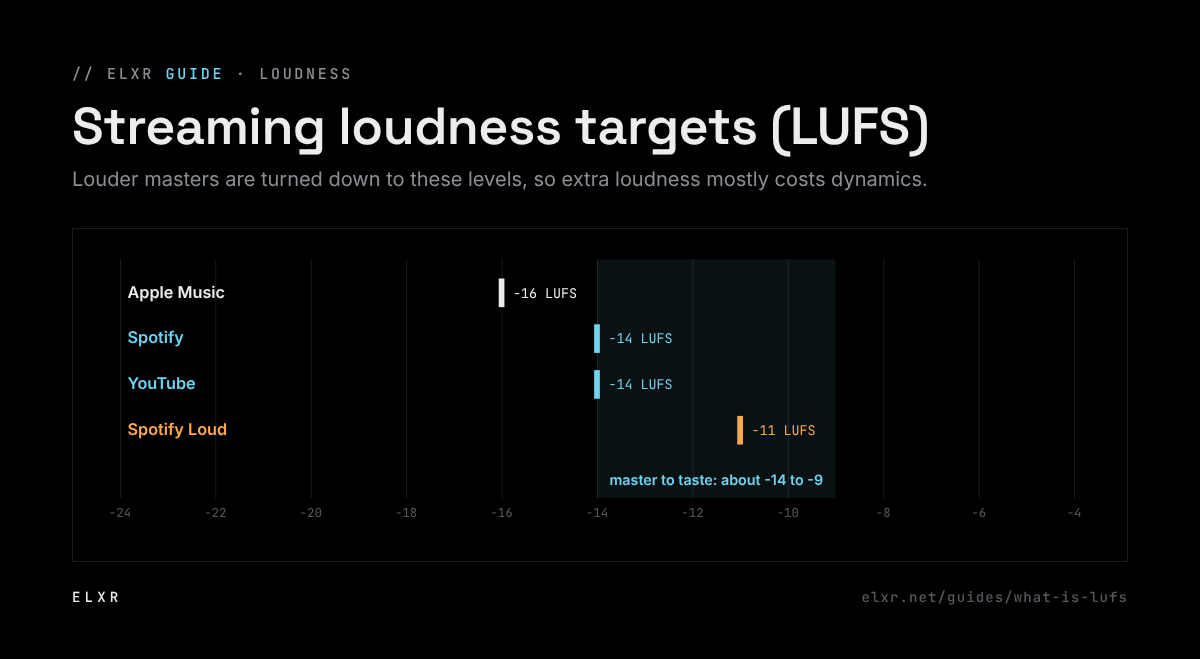
LUFS measures loudness the way ears hear it, averaged over time. Streaming services turn every song to about the same loudness: around −14 LUFS on Spotify and YouTube, −16 on Apple Music. Master to taste around −14 to −9 LUFS, and keep true peaks under −1 dBTP so nothing distorts after conversion.
What LUFS measures
A peak meter shows the loudest single moment. LUFS (Loudness Units relative to Full Scale) shows how loud the music feels, weighting frequencies the way ears do and averaging over time. Two songs with the same peak can be very different in LUFS: a dense, compressed one is louder than a dynamic one.
- Integrated: the average over the whole song. This is the number streaming services use.
- Short-term: the last 3 seconds. Good for comparing the loudest parts.
- Momentary: the last 0.4 seconds. Moves fast, like a VU meter.
What streaming services do
Spotify, YouTube, Apple Music, Tidal and others measure every song and turn it down (and sometimes up) to their target. Roughly: Spotify −14 LUFS (its Loud setting is −11), YouTube −14, Apple Music −16. A master at −8 LUFS on Spotify just gets turned down 6 dB, and if it was squashed to get there, it sounds flatter than a −12 master next to it.
How loud should you go?
- Mixing: don't worry about LUFS. Leave the master peaking around −6 dBFS so mastering has room.
- Mastering for streaming: anywhere from about −14 to −9 LUFS integrated is normal, depending on the genre. EDM and trap usually sit louder, acoustic and classical quieter.
- True peak: keep it at −1 dBTP or lower (−2 for very loud masters), so it doesn't clip when converted to MP3 or AAC.
- Compare at matched loudness. Turn your reference tracks down to the same LUFS before you compare, or louder always sounds better.
Measuring it in Ableton Live
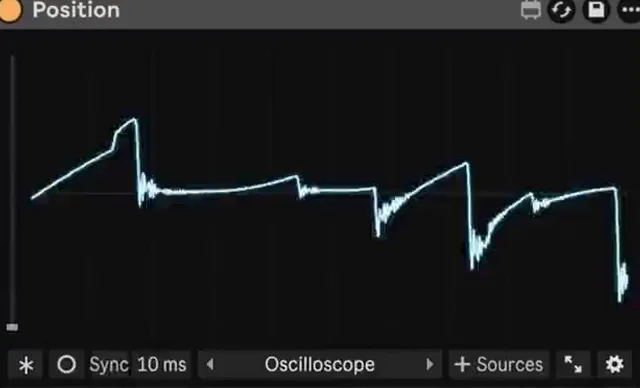
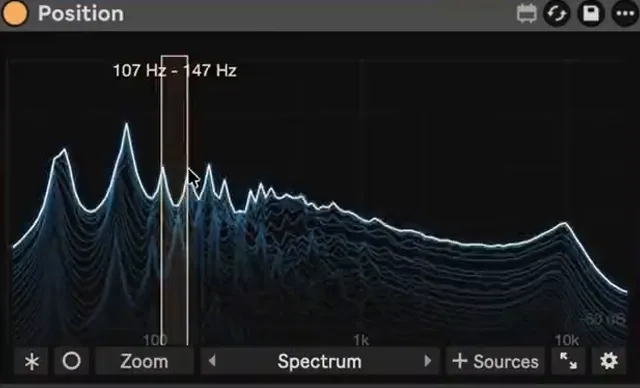
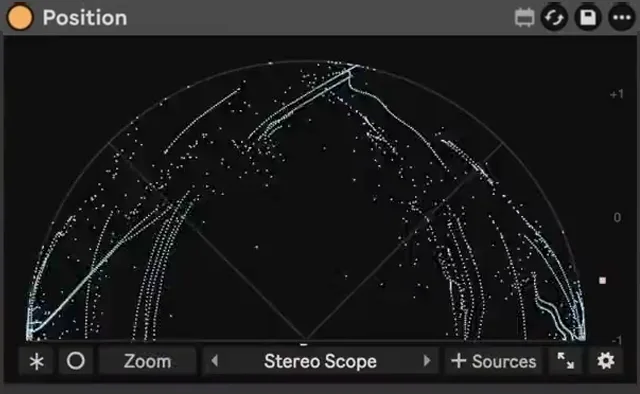
Put a loudness meter last on the master. Position includes a Loudness view along with its stereo and spectrum views, and audio passes through unchanged with zero added latency, so you can leave it on while you work.